Businesses today are using different platforms for almost everything. Sales teams work inside CRM systems, finance teams manage accounts separately, and connecting both sounds like it should solve every problem.
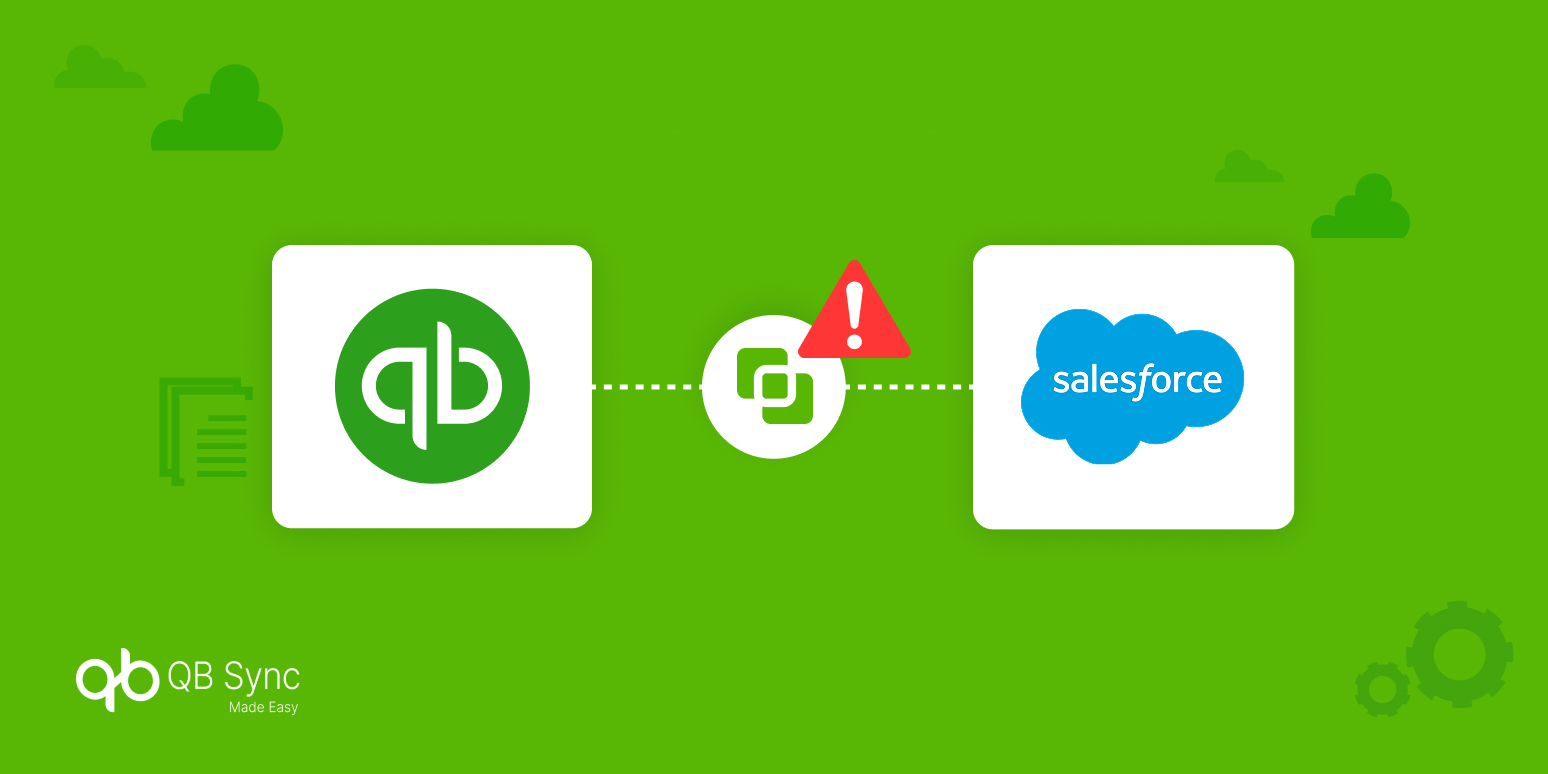
But the reality is a little different. Even after setting up a CRM accounting integration, many enterprises still deal with missing information, duplicate records, and small errors that slowly create bigger workflow issues.
The connection between systems is usually not the only challenge. The real struggle starts when both platforms handle data differently, and teams still have to spend time checking and fixing things manually.
So, in this blog, we’ll explore why these gaps still exist and how businesses can create a more reliable connection between their CRM and accounting systems.
The CRM-Accounting Gap: Why Enterprises Still Face Problems After Integration
A CRM and accounting integration is expected to create a smooth flow between sales and finance. However, many businesses still find a gap because both systems were created for different purposes.
CRM platforms mainly focus on customer relationships, opportunities, and future sales. Accounting systems focus more on invoices, payments, taxes, and completed transactions. When these two views do not match properly, problems start appearing.
Different Systems Understand Customer Data Differently
One of the biggest reasons behind CRM accounting integration challenges is that both systems store and manage customer information in their own way.
For example, Salesforce may track a customer based on opportunities and sales activities, while accounting software may identify that same customer through invoices or payment records.
When a deal moves from sales to finance, small differences in customer names, products, or contract details can create confusion. A proper mapping process becomes important because even a small mismatch can affect the complete workflow.
Manual Processes Slowly Create Data Silos
Many companies set up a CRM accounting integration but still continue using spreadsheets or manual updates because teams are not fully confident in the automated process.
A sales representative may update information somewhere else, while the finance team may maintain separate records for verification. These extra steps slowly create different versions of the same data.
The purpose of Salesforce accounting integration is to remove these gaps, but manual workarounds can bring those same problems back again.
Custom Integrations Become Difficult to Manage
Custom-built integrations often look like a good option in the beginning because they are created according to specific business requirements.
But as businesses grow, new tools get added, and processes keep changing, maintaining these connections becomes harder. Even a small API update or field change can create unexpected issues.
A reliable QuickBooks Salesforce connector helps businesses avoid depending completely on complex custom solutions that require continuous monitoring.
Reporting Becomes Difficult Without Connected Data
When sales and finance systems are not properly synchronized, reporting becomes one of the biggest struggles for enterprises.
Sales teams may focus on pipeline numbers and expected revenue, while finance teams look at actual payments and completed transactions. Both reports might be correct, but they often tell different stories.
A strong CRM accounting integration helps bring these views closer by keeping important business information updated across platforms.
The Best Way to Fix the CRM-Accounting Gap
The solution is not just connecting two platforms and expecting everything to work automatically. Businesses need a system that keeps information synchronized and reduces the daily manual effort.
This is where QB Sync Made Easy helps companies simplify their QuickBooks and Salesforce workflows. It allows teams to keep important financial and customer information connected without managing complicated processes.
With a QuickBooks Salesforce Integration, businesses can:
- Sync important customer and financial records automatically
- Eliminate duplicate and inconsistent data
- Improve visibility between sales and finance teams
- Minimize manual updates and spreadsheet dependency
QuickBooks Salesforce integration creates a smoother connection between both platforms, helping businesses spend less time fixing data issues and more time focusing on their operations.
Conclusion
Having an integration does not always mean having a completely connected workflow. Many enterprises still struggle because the real challenge comes from how data is managed after systems are connected.
A well-planned CRM accounting integration helps businesses create better alignment between sales and finance teams while reducing unnecessary manual work.
With solutions like QB Sync Made Easy, organizations can simplify their Salesforce accounting integration and create a more reliable flow of information between QuickBooks and Salesforce.
The right QuickBooks Salesforce connector is not only about moving data from one system to another. It is about creating a workflow where teams can trust the information they use every day.