Businesses use end numbers of applications every day to manage sales, accounting, marketing, customer support, ecommerce, and operations. Without proper connections between these systems, teams often spend valuable time updating records manually, searching for information, and fixing data inconsistencies.
This is where Salesforce integration apps play an important role. By connecting Salesforce with other business platforms, companies can automate workflows, improve visibility, and create a more connected experience across departments.
In this blog, we’ll explore some of the leading Salesforce integration apps that can help businesses improve productivity and streamline operations in 2026.
Best Salesforce Integration Apps for Business Productivity
Not every integration solution is built for the same purpose. Some focus on workflow automation, while others specialize in accounting, ecommerce, data synchronization, or enterprise integrations.
Let’s look at some of the most widely used Salesforce integration apps available today.
1. Zapier
Zapier is one of the most popular Salesforce integration tools for businesses that want to connect Salesforce with thousands of applications without coding. The platform supports workflow automation between Salesforce and tools such as Slack, Google Sheets, HubSpot, Mailchimp, and many more. Zapier provides a visual workflow builder, enterprise-grade security, and extensive app connectivity.
Key capabilities:
- User and workspace migration
- Channel and conversation migration
- File and document transfer
- Historical message preservation
- Migration from Microsoft Teams, Google Chat, Workplace, and other platforms
- Faster onboarding and adoption
- Reduced manual migration effort
- Secure and structured data transfer
Many organizations consider Zapier one of the best Salesforce apps for quickly automating repetitive tasks.
2. QBSync Made Easy
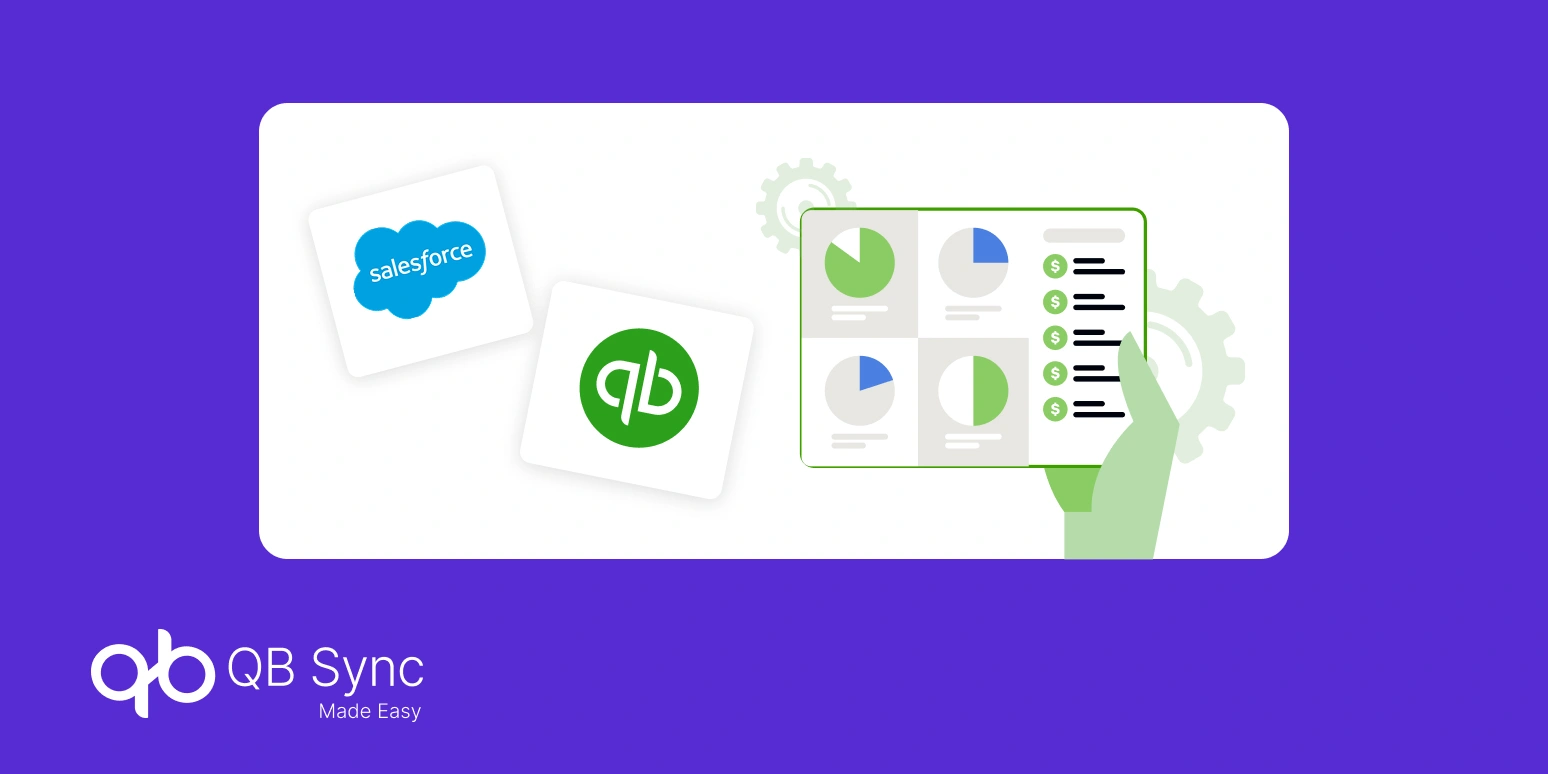
When businesses need reliable QuickBooks integration, QBSync Made Easy provides a dedicated solution designed specifically for Salesforce and QuickBooks synchronization.
Instead of manually transferring accounting information, businesses can keep customer, invoice, payment, and financial records aligned between both systems. This helps finance and sales teams work with accurate data while reducing duplicate entries.
Key capabilities:
- Automated QuickBooks integration
- Customer and invoice synchronization
- Financial data visibility inside Salesforce
- Reduced manual accounting updates
- Simplified accounting workflows
For organizations that depend on QuickBooks integration, a specialized connector often provides greater control and efficiency than general-purpose middleware.
3. MuleSoft
MuleSoft remains one of the most recognized Salesforce integration tools for enterprise organizations.
The platform helps businesses connect applications, data sources, and systems through APIs. It is particularly valuable for large organizations managing multiple business applications and complex integration requirements.
Key capabilities:
- API-led connectivity
- Enterprise application integration
- Data transformation tools
- Centralized integration management
- Large-scale system connectivity
4. Jitterbit
Jitterbit helps businesses connect Salesforce with ERP systems, databases, HR platforms, and other enterprise applications.
The platform focuses on creating a unified customer view by eliminating data silos across systems. Businesses can leverage integrations to improve customer experiences and operational efficiency.
Key capabilities:
- Salesforce-to-ERP integrations
- Data synchronization
- Workflow automation
- Customer data unification
- Integration monitoring
Many organizations include Jitterbit among the best Salesforce apps for enterprise connectivity.
5. Sync Made Easy
For ecommerce businesses, Sync Made Easy is designed to simplify Salesforce integrations with ecommerce platforms such as Shopify.
The solution helps synchronize customer information, orders, products, and related business data between systems. This allows sales, service, and marketing teams to access ecommerce data directly within Salesforce.
Key capabilities:
- Shopify and Salesforce connectivity
- Customer and order synchronization
- Product data integration
- Multi-store support
- Centralized customer visibility
Among modern Salesforce integration apps, Sync Made Easy is particularly useful for businesses managing growing ecommerce operations.
6. Workato
Workato combines workflow automation and integration capabilities in a single platform.
Organizations use Workato to connect Salesforce with finance, HR, support, and marketing applications while automating business processes across departments.
Key capabilities:
- Workflow automation
- Cross-platform integrations
- Low-code implementation
- Process orchestration
- Enterprise scalability
7. Boomi
Boomi is a cloud-based integration platform widely used for connecting business systems and managing data movement across organizations.
The platform supports cloud applications, on-premise systems, and hybrid environments.
Key capabilities:
- Cloud integration
- Data synchronization
- Application connectivity
- Process automation
- Scalable architecture
Businesses seeking enterprise-grade Salesforce integration tools often evaluate Boomi alongside other leading platforms.
8. MultiSync Made Easy
Many organizations operate multiple business applications that need to share data with Salesforce.
MultiSync Made Easy helps businesses synchronize information across 100+ platforms from a centralized environment, reducing the complexity of managing separate integrations.
Key capabilities:
- Multi-platform synchronization
- Centralized data management
- Automated updates
- Cross-system visibility
- Simplified integration management
As organizations expand their technology stack, Salesforce integration apps like MultiSync Made Easy help keep systems connected and data consistent.
9. Breadwinner
Breadwinner specializes in Salesforce and accounting system integrations.
The platform is commonly used to connect financial information with Salesforce, allowing sales and finance teams to work from shared customer and revenue data. Community discussions frequently mention Breadwinner as a solution for accounting-related Salesforce integrations.
Key capabilities:
- Accounting data synchronization
- Revenue visibility
- Customer financial insights
- Salesforce-based financial reporting
- Improved collaboration between teams
10. CData Sync
CData Sync helps organizations move data between cloud applications, databases, and business systems.
The platform supports automated data replication and integration scenarios that help businesses maintain consistent information across platforms.
Key capabilities:
- Automated data replication
- Cloud and database connectivity
- Data pipeline management
- Centralized synchronization
- Business intelligence support
Many organizations include CData among the best Salesforce apps for large-scale data movement and reporting.
Why Businesses Are Investing in Salesforce Integration Tools
As organizations adopt more software platforms, maintaining data consistency becomes increasingly difficult.
The right Salesforce integration tools help businesses, eliminate manual data entry, improve data accuracy, connect departments more effectively, automate repetitive tasks, improve reporting and visibility, and create better customer experiences.
This is why Salesforce integration apps continue to be a priority investment for growing businesses.
Conclusion
Choosing the right Salesforce integration apps can significantly improve business productivity by connecting systems, reducing manual work, and improving access to information.
Whether your focus is workflow automation, ecommerce operations, enterprise connectivity, or QuickBooks integration, there are solutions available for every business requirement.
For organizations looking to simplify QuickBooks integration, QBSync Made Easy offers a dedicated approach to synchronizing accounting and CRM data while helping teams work more efficiently. Combined with the right Salesforce integration tools, businesses can create a connected ecosystem that supports growth, productivity, and better decision-making in 2026.