Salesforce and QuickBooks are doing two very different jobs, but the data between them still needs to stay on the same page. And when it does not, finance notices it, sales notices it, and then everyone starts checking spreadsheets.
For enterprises, keeping customer, invoice, payment, product, and financial information consistent can become a surprisingly big task. One small mismatch here, another outdated record there, and suddenly reconciliation is taking much longer than anyone planned. A reliable QuickBooks Salesforce integration can help reduce this repeated manual checking.
So, what is the better way to handle it? In this blog, we will look at the common approaches enterprises use and why a Salesforce-native solution can make this whole thing much easier.
Choosing the Right Integration Approach
There is no single way every enterprise connects its CRM and accounting systems. Some prefer ready-made applications, some go with middleware, and others build everything around their own APIs and internal requirements. The right QuickBooks Salesforce connector usually depends on the business workflow, data volume, and level of customization required.
Native connector apps are built specifically to bring Salesforce and QuickBooks together without making teams jump between different systems all day.
These tools can connect accounting records with CRM data, automate workflows, and keep important information moving between both systems. Additionally, a purpose-built connector can be easier for business teams to manage because the setup is already designed around the two platforms. This is where a QuickBooks Online Salesforce integration can be useful for businesses wanting connected workflows without creating everything from scratch.
Middleware platforms sit between Salesforce and QuickBooks and handle the movement and transformation of data between different systems.
This approach can work well for enterprises with several applications, complicated workflows, or high-volume data requirements. Error handling, transformations, and multi-system orchestration can all be managed from one place, which is useful when things get, well, a little messy.
Some enterprises prefer building their own integration using Salesforce Apex, QuickBooks APIs, webhooks, and custom business logic.
This gives IT teams a lot of control over how information moves and how quote-to-cash processes work. But there is also more to maintain, more development work, and more things to check whenever either system changes. A custom Salesforce accounting integration can therefore require ongoing technical support.
The Best Approach for Enterprise Data Consistency
When Salesforce and QuickBooks are important parts of daily business operations, the integration should not feel like another project that needs constant babysitting.
This is where a Salesforce-native application such as QB Sync Made Easy can be useful. It is built to connect CRM and accounting workflows while keeping the experience inside Salesforce. The approach also makes QuickBooks integration with Salesforce more direct for teams already working in Salesforce.
Salesforce and QuickBooks do not have to wait for someone to manually update one system after changing the other.
QB Sync Made Easy supports real-time, bi-directional updates, helping customer, invoice, payment, product, and other business information stay aligned between both platforms. This type of QuickBooks Salesforce integration can help teams avoid repeated manual updates.
Duplicate records can quietly become a very annoying problem. One customer gets created twice, then invoices and payments start following different records, and suddenly reconciliation becomes detective work.
The solution includes AI-powered duplicate detection and cleanup capabilities to identify duplicate records and help keep the connected data cleaner.
Every enterprise has its own way of storing information, and therefore, one fixed mapping does not always work.
QB Sync Made Easy provides custom field mapping so businesses can decide how Salesforce fields should connect with QuickBooks data based on their own processes. This flexibility is also useful when setting up a QuickBooks Salesforce connector around specific business requirements.
Invoice creation does not have to become another task sitting on someone’s to-do list.
The platform can automate invoice-related workflows and bring invoice information into Salesforce, helping sales and finance teams work with the same financial picture without repeatedly entering the same information. A QuickBooks Online Salesforce integration can make these connected invoice workflows easier to manage.
New transactions are important, but enterprises also have plenty of older records that still matter.
Historical data capabilities allow businesses to bring legacy QuickBooks information into Salesforce when required, so teams do not have to work with only the newest records and then search somewhere else for the history. Historical sync is also part of the QuickBooks integration with Salesforce approach, especially when older financial records need to be available inside Salesforce.
Larger businesses may work across multiple companies, subsidiaries, or currencies, which makes a basic one-to-one connection less practical.
QB Sync Made Easy supports multiple business units and subsidiaries, along with multiple currencies, helping enterprises manage more complex financial structures from their Salesforce environment.
Sales and finance teams often need to understand not only what was sold, but also what has been invoiced, paid, or spent against a customer or project.
Project and financial data can be connected across the two platforms, giving teams better visibility without making them constantly move from Salesforce to QuickBooks and back again. This can also support a broader Salesforce accounting integration strategy.
And then there is the visibility part, which honestly becomes very important once an enterprise has a lot of records moving around.
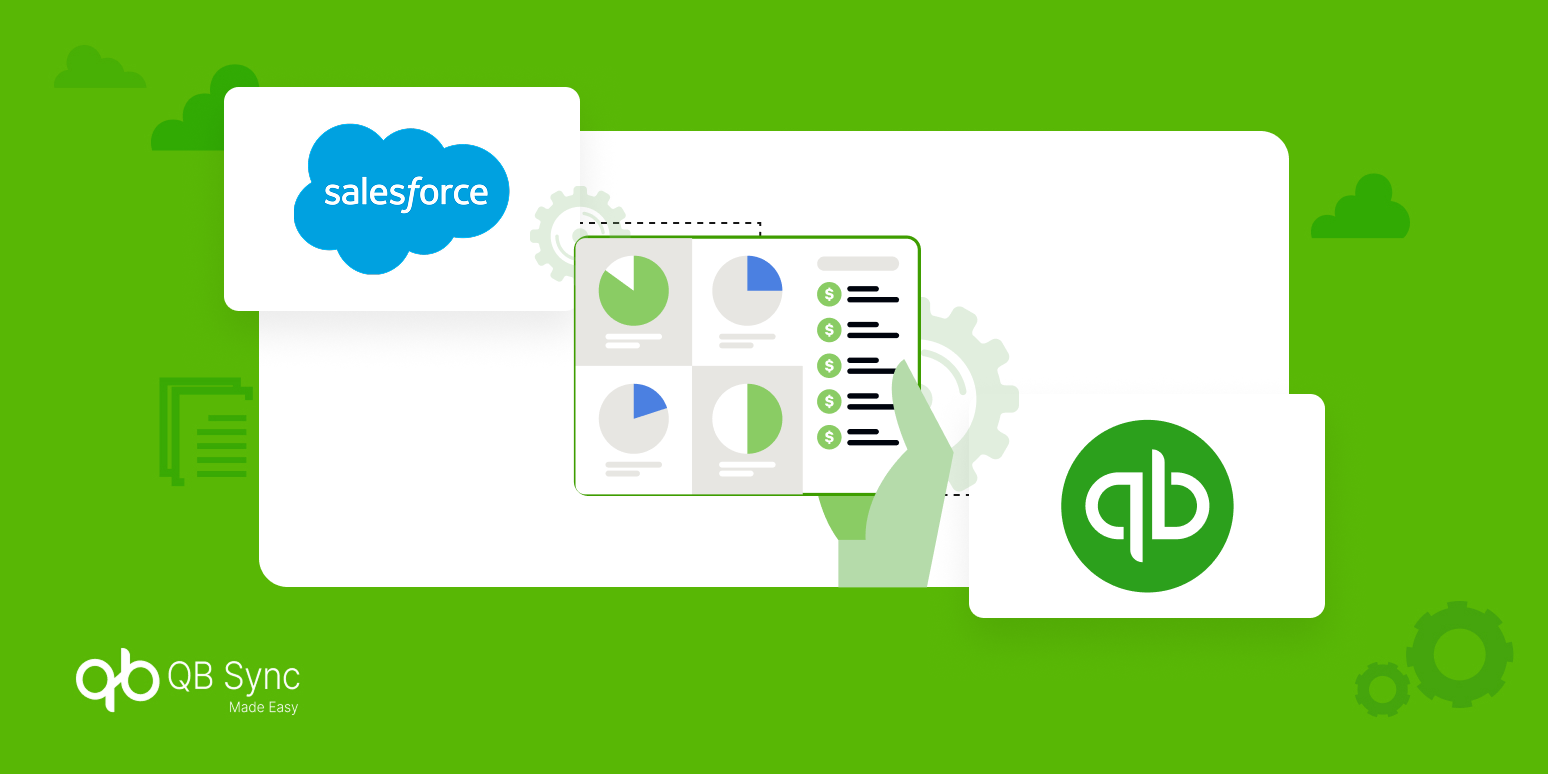
QB Sync Made Easy provides dashboards for areas such as sales, expenses, accounts payable, accounts receivable, invoices, and payments, giving teams a more connected view of their financial information.
The biggest thing here is that the solution is available as a Salesforce application, rather than asking teams to manage another completely separate environment.
Therefore, Salesforce users can work with connected QuickBooks information within the CRM while automation handles much of the repetitive movement in the background. This makes QuickBooks integration with Salesforce easier to manage for teams that already spend most of their working day inside Salesforce.
Conclusion
Keeping Salesforce and QuickBooks data accurate is not really about checking records at the end of every month and hoping everything matches. It is about keeping information connected while the business is actually working.
Native apps, middleware, and custom APIs can all have their place, depending on the enterprise setup. But for businesses looking for a more direct Salesforce-native approach, QB Sync Made Easy brings real-time updates, duplicate detection, field mapping, invoice workflows, historical data, and financial visibility together.
Additionally, when sales and finance teams are working with the same information, reconciliation becomes less of a recurring headache. And that is really the goal here, accurate data without making someone check the same records again and again. A strong QuickBooks Salesforce integration can help make that everyday process a little less painful.