There was a time when businesses were happy if their CRM and accounting software simply exchanged customer data. Honestly, that felt like a big win back then.
But businesses have changed. Teams work faster, customers expect quicker responses, finance wants real-time visibility, and sales doesn’t want to keep asking, “Can someone check if this invoice has been paid?” That little back-and-forth adds up more than people realize.
Today, QuickBooks Salesforce integration is expected to do much more than move records from one system to another. Companies want it to automate work, connect departments, and give everyone the information they need without jumping between multiple applications.
Let’s look at what businesses actually expect from a modern integration today.
What Do Modern Enterprises Really Expect from QuickBooks Salesforce Integration?
Sales closes the deal, finance creates the invoice, someone updates the records, then another person follows up on payments. Sounds familiar?
Modern businesses don’t want that many manual steps anymore.
Instead, they expect Salesforce QuickBooks integration to keep both teams connected automatically, so everyone works from the same information without sending endless emails asking for updates.
With connected systems, sales teams get real-time visibility into customer accounts and payment status, while finance teams can reduce manual reconciliation and focus on more strategic tasks instead of chasing data.
One of the biggest expectations today is automation.
When an opportunity reaches Closed Won in Salesforce, businesses expect invoices, estimates, or sales orders to be created automatically inside QuickBooks. Nobody really wants someone copying customer details from one screen to another anymore.
Therefore, automation is no longer a nice feature to have. It has quietly become part of everyday business operations.
Imagine promising twenty products to a customer only to find out there are six left in stock.
That conversation is never fun.
A modern QuickBooks Salesforce connector should keep inventory synchronized in both directions, helping sales teams see available stock before making commitments to customers.
Little moments like these save businesses from much bigger problems later.
Revenue provides only one part of the financial picture, while expenses complete the overall view of business performance.
Businesses now expect project costs, operational expenses, and accounting information to stay connected with Salesforce accounts or projects. It becomes much easier to understand which customers are actually profitable instead of simply generating revenue.
Sometimes the biggest customer isn’t always the most profitable one.
Sales representatives shouldn’t have to open another application just to check whether an invoice is overdue.
Modern QuickBooks Salesforce integration gives account managers access to invoice status, payment history, outstanding balances, and customer financial information directly inside Salesforce.
Additionally. This saves time throughout the day because people spend less time switching between systems and more time speaking with customers.
Every department contributes valuable data. Sales provides pipeline forecasts, finance tracks revenue, and operations monitor fulfillment. Individually, these insights are useful, but together they provide a complete picture for better business decisions.
Businesses now expect Salesforce QuickBooks integration to support unified dashboards where CRM and accounting information come together, making forecasting and planning much more meaningful.
Financial data is among the most sensitive information a business manages, making strong security and controlled access essential rather than optional.
Organizations expect role-based permissions, secure authentication, detailed audit trails, and compliance standards like SOC 2 to be built into the integration process instead of added later.
Because let’s be honest no company wants convenience if it comes at the cost of security.
Businesses rarely stay the same. Teams grow, processes become more advanced, and new departments or business units are added over time. An integration should be able to adapt without requiring businesses to start from scratch.
A modern integration should continue supporting those changes instead of forcing organizations to rebuild everything from the beginning every few years.
The best software grows with the business instead of slowing it down.
How QB Sync Made Easy Delivers a Modern Integration Experience
Connecting Salesforce and QuickBooks is only the first step.
The real value comes when both systems start working together in a way that actually supports daily business operations. No more switching between platforms, chasing missing information, or spending hours fixing manual updates.
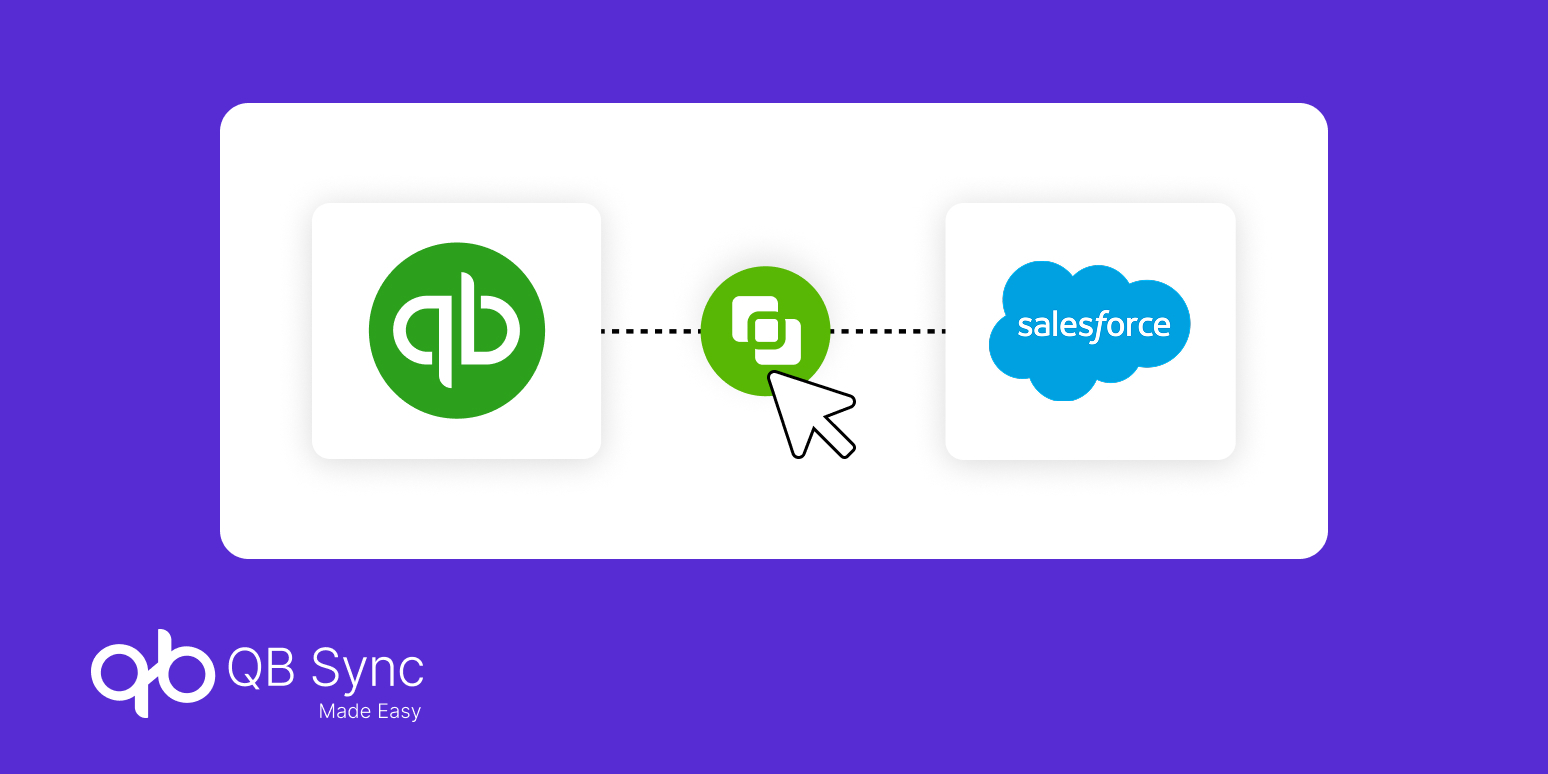
QB Sync Made Easy, the best Salesforce native solution, helps businesses connect Salesforce and QuickBooks while reducing manual work, improving visibility, and creating smoother business processes across departments.
With QB Sync Made Easy, businesses can:
- Bi-directional data synchronization
- Automatic invoice creation
- Customer and contact synchronization
- Product and inventory synchronization
- Sales order synchronization
- Payment synchronization
- Real-time QuickBooks data sync
- Custom field mapping
- Workflow automation
- Secure role-based access
- Reliable QuickBooks Salesforce connector
- Easy deployment and configuration
Instead of treating integration as another technical project, QB Sync Made Easy helps businesses build a connected workflow where sales, finance, and operations work from the same trusted information.
Conclusion
The expectations around QuickBooks and Salesforce integration have changed quite a bit over the last few years.
Businesses no longer want software that simply moves data between two systems. They want automation, better visibility, smarter reporting, stronger security, and processes that quietly take care of repetitive work in the background.
When your CRM and accounting platform truly work together, teams spend less time chasing information and more time making decisions that actually move the business forward. That’s really what modern integration is supposed to do.