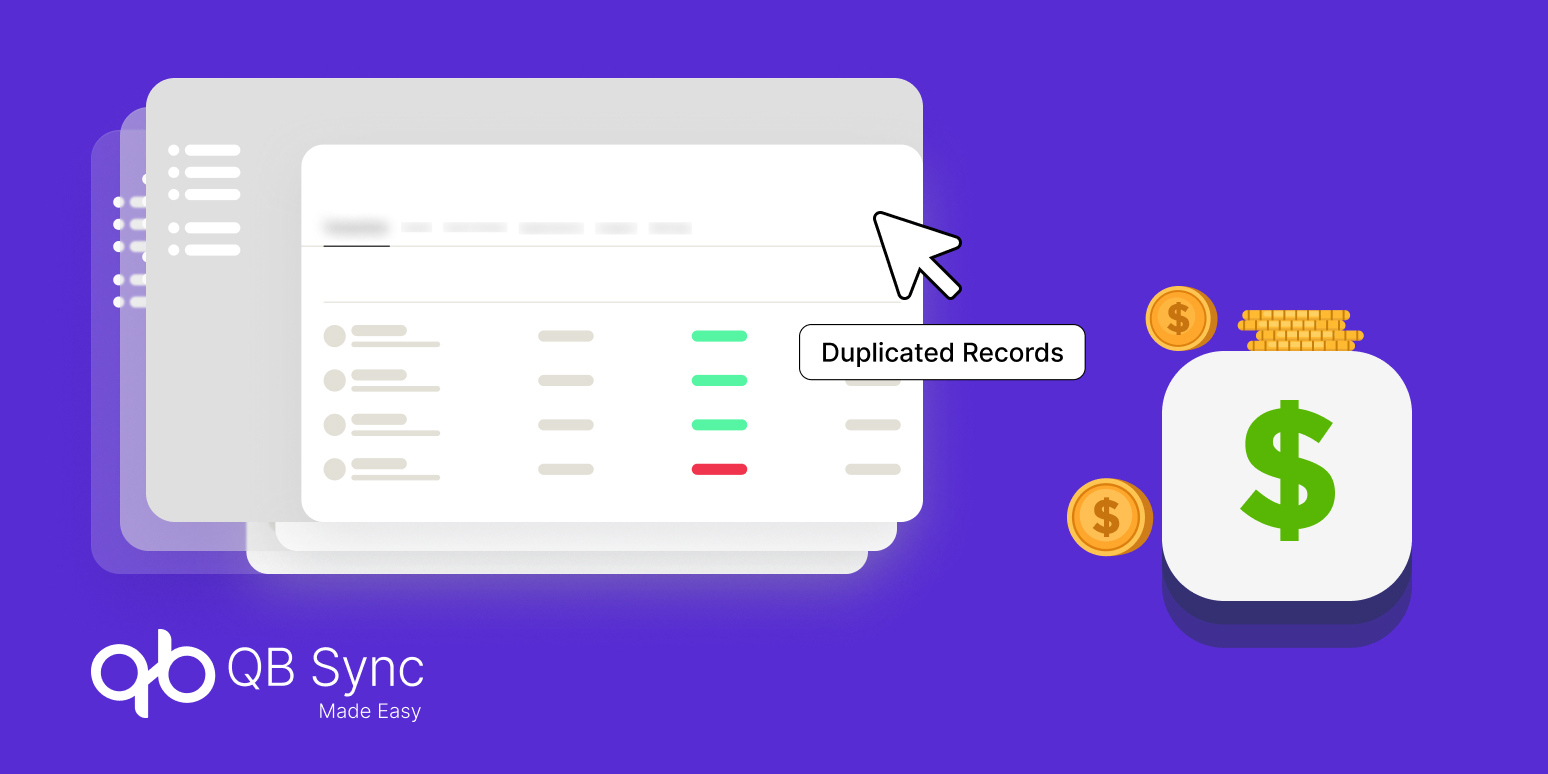
A duplicate customer record may look like a small database issue. But when the same customer, invoice, payment, or account appears more than once, things can get messy very quickly.
For enterprises, duplicate records can affect reporting, billing, customer communication, and even the numbers teams use to make business decisions. The bigger the database becomes, the harder these small mistakes are to notice.
That is why QuickBooks Salesforce integration needs to be about more than simply moving information between two systems. The data also needs to reach the right place, match the right record, and stay consistent.
Why Duplicate Records Become a Bigger Enterprise Problem
A customer may already exist in Salesforce, but when the same information reaches QuickBooks without proper matching, another record can be created.
That sounds small. However, when this happens hundreds or thousands of times, sales and finance teams may no longer know which record is the correct one.
Duplicate records can also affect reporting. Sales may see one customer balance while finance sees another, simply because the information is sitting in separate records.
Additionally, Salesforce integration tools need to handle record matching properly; otherwise, connecting two systems can sometimes make the data problem bigger instead of solving it.
Finding duplicates manually is not exactly anyone’s favourite task. Teams have to compare names, accounts, invoices, payments, and other details, and then decide which record should remain.
With QuickBooks integration with Salesforce, businesses need matching and synchronization logic that can identify related records before duplicate data starts moving between the systems.
Legacy data is another big issue. When older QuickBooks records are brought into Salesforce, existing Salesforce records may already contain the same customers or products.
Modern Salesforce QuickBooks integration should therefore include proper matching capabilities for historical data, not simply import everything and hope the records sort themselves out.
What Enterprises Should Look for in a Better integration
The right integration should not only connect systems. It should also understand that customer records, invoices, payments, and other financial information need to remain connected and accurate.
Salesforce integration tools can help businesses connect CRM and accounting data, but matching logic is what becomes important when records already exist in both systems.
QB Sync Made Easy provides AI-powered matching, custom matching rules, and manual matching options for historical synchronization. This gives teams more control over how existing records are aligned.
With QuickBooks integration with Salesforce, information should not have to sit in one system waiting for someone to copy it into another.
A bi-directional data sync setup allows updates to move between Salesforce and QuickBooks, keeping both sides closer to the same version of the data.
Historical records are often where duplicate problems become serious. Bringing years of accounting information into Salesforce without matching existing records can create a whole new pile of duplicates.
QB Sync Made Easy includes matching capabilities for historical syncs, including custom rules, manual matching, and AI-powered bulk matching. Its current documentation says the bulk matching workflow can handle up to 10,000 records in under 10 minutes.
QuickBooks Online integrations should also make financial information easier to work with, not just move it around.
QB Sync Made Easy provides interactive dashboards that bring QuickBooks data into Salesforce, helping teams monitor connected companies and identify sync irregularities more easily.
The Fix: QB Sync Made Easy
QB Sync Made Easy is built to connect Salesforce and QuickBooks while keeping data synchronization automated and controlled. It supports real-time, bi-directional synchronization for customers, invoices, payments, and other financial records.
For enterprises dealing with duplicate data, the important part is the matching capability. Instead of blindly creating another record, the platform can help identify existing matches and keep records aligned.
Key capabilities
- Real-time bi-directional data synchronization
- AI-powered customer, invoice, and payment matching
- Custom matching rules for historical data
- Manual matching interface for record review
- Bulk AI matching for large datasets
- Dynamic field mapping and custom fields
- Historical QuickBooks data synchronization
- Invoice, payment, refund, and transaction synchronization
- Interactive financial dashboards inside Salesforce
- Multi-company and multi-entity support
- Flow-based workflow automation
- Project synchronization from Salesforce to QuickBooks
QuickBooks Salesforce integration becomes much more useful when the goal is not simply to move records, but to keep the records clean while they move.
Salesforce QuickBooks integration can also bring CRM and accounting workflows closer together, so sales and finance are not working from completely different versions of the same customer story.
Conclusion
Duplicate records may start quietly, but they can eventually affect reporting, customer visibility, reconciliation, and everyday team workflows.
The better approach is to match records before creating new ones, use rules where possible, and bring in smarter matching when the data gets too large for manual checking.
QuickBooks Salesforce integration with QB Sync Made Easy gives businesses a way to connect their CRM and accounting data while also handling matching, synchronization, automation, and duplicate prevention in a more controlled way.
Because honestly, the goal should not be to clean thousands of duplicate records every few months. The better idea is to stop creating them in the first place.