Choosing a QuickBooks integration sounds like a technical decision at first. But once you start comparing different options, you realize it is more about how your teams are going to work every single day. Finance wants accurate accounting data, sales teams want customer information without switching platforms, and IT wants something that is easy to maintain in the long run.
This is where many businesses get confused. One solution says it is Salesforce-native, while another recommends middleware. Both can connect Salesforce and QuickBooks, but they work in different ways and are built for different business needs.
With the blog, let’s understand what both options actually mean, where they are different, and which one could be a better fit for your business.
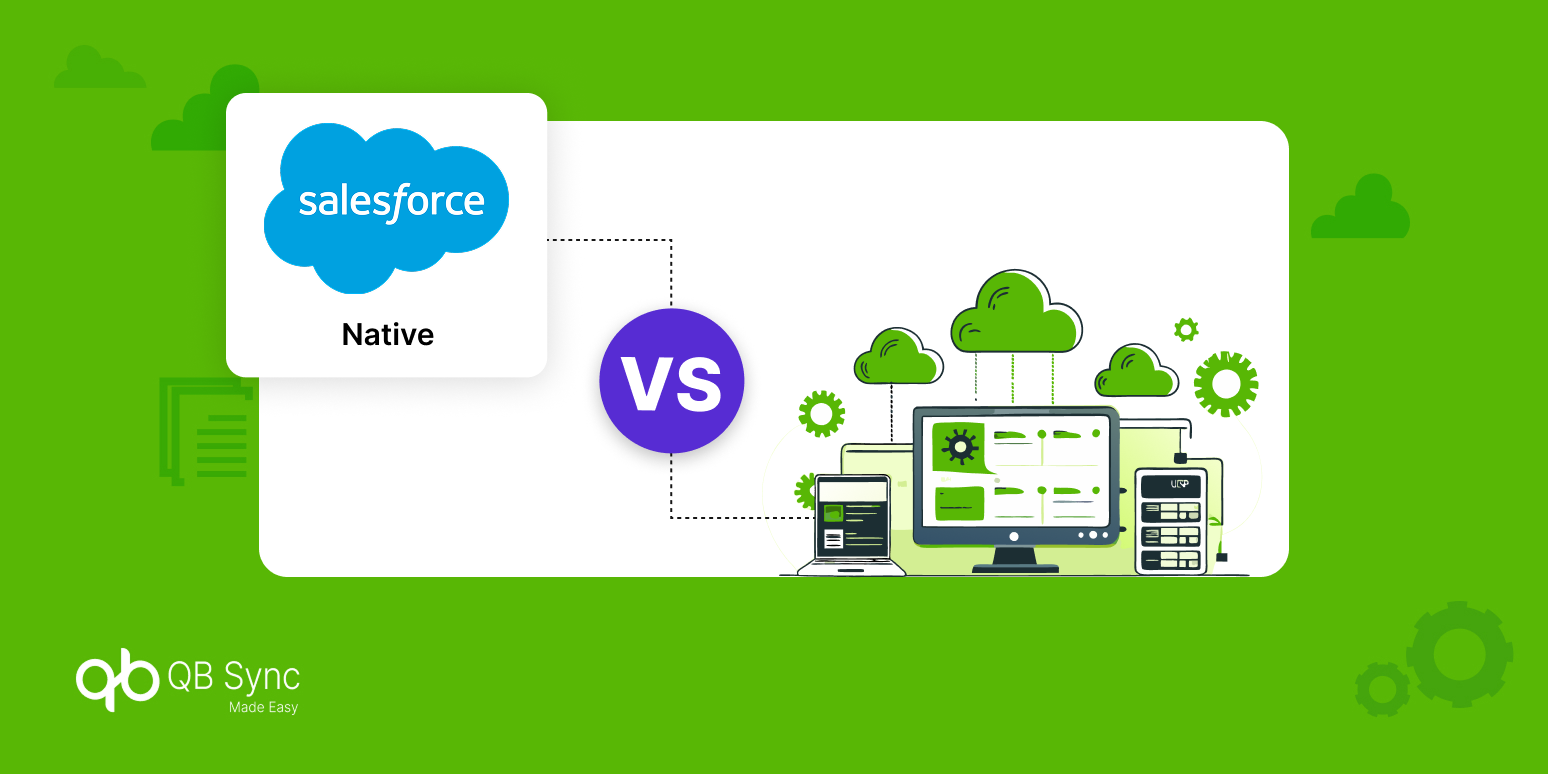
Salesforce-Native vs Middleware: What Is the Difference?
Before comparing both approaches, it helps to understand what they actually do. They solve the same problem, but the way they solve it is quite different.
What Is a Salesforce-Native Integration?
Think about how your teams normally work. If most of the day is spent inside Salesforce, it makes sense to have your accounting information there as well. That is exactly how a Salesforce-native solution works.
Instead of opening another application to check invoices or customer records, everything is available inside Salesforce. Your users continue working from the same screens they already know, which makes the overall experience much simpler.
This is one of the biggest reasons businesses choose a QuickBooks Salesforce connector that is built natively. It keeps everyday work in one place instead of spreading it across different platforms.
What Does Middleware Mean?
Middleware takes a different approach. Rather than working completely inside Salesforce, it acts as a connection layer between Salesforce and QuickBooks. Data moves through the middleware platform before reaching the other application.
This works well for organizations that already have several business systems connected together. If your business uses multiple ERPs, accounting tools, marketing platforms, or warehouse applications, middleware can help manage all those connections from one place.
It is not about one option being better than the other. It is more about choosing the one that matches the way your business already works.
Salesforce-Native vs Middleware: A Quick Comparison
| Comparison | Salesforce-Native | Middleware |
|---|---|---|
| User experience | Everything works inside Salesforce | Managed through an external platform |
| Daily workflow | No need to leave Salesforce | Users may switch between systems |
| Data updates | Real-time information | Scheduled or event-based sync |
| Security | Uses Salesforce security controls | Requires external security management |
| Setup | Easier for Salesforce users | Depends on middleware configuration |
| Maintenance | Managed within Salesforce | Managed across another platform |
| Customization | Salesforce customization tools | Depends on middleware capabilities |
| Performance | Immediate access to business data | Depends on synchronization intervals |
| Scalability | Great for Salesforce-focused businesses | Suitable for multi-system environments |
| Administration | Single platform management | Multiple environments to monitor |
| Best suited for | Businesses working mainly in Salesforce | Enterprises managing several applications |
Which Option Makes More Sense for Your Business?
There is no right or wrong answer here. The decision usually comes down to how your teams work today and where you see your business growing over the next few years.
Choose Middleware If…
Some businesses have much bigger integration requirements than simply connecting two applications. They may have inventory software, ERP platforms, warehouse management systems, reporting tools, HR applications, and finance software all working together.
In those situations, middleware often becomes the better choice because it can manage several integrations from one central platform.
Middleware is generally worth considering if:
- Your business manages multiple enterprise applications.
- Different departments rely on different software.
- You already use middleware for other integrations.
- Your integration requirements are highly customized.
- You need one platform connecting several business systems.
Choose a Salesforce-Native Solution If…
Now let’s look at another situation.
If Salesforce is already where your sales, service, and operations teams spend most of their day, asking them to move into another application just to access accounting information probably does not make much sense. Most businesses want fewer systems to manage, not more.
That is why many organizations prefer a native QuickBooks Salesforce integration like QB Sync Made Easy.
Instead of creating another dashboard for users, it brings Salesforce and QuickBooks together while keeping everything inside Salesforce.
Some of the core features include:
- Real-time data sync between Salesforce and QuickBooks.
- No-code setup without complex development requirements.
- AI-powered duplicate prevention keeps data accurate.
- Custom field mapping for accurate data transfer.
- Bidirectional sync keeps Salesforce and QuickBooks data updated both ways.
- Flow feature automates data movement based on business processes.
- Secure data handling with reliable synchronization.
For businesses looking for a dependable QuickBooks integration, this approach helps reduce manual work while making the overall process much easier for both sales and finance teams.
Why Many Salesforce Businesses Prefer a Native Solution
When businesses first start comparing solutions, they usually focus on features. After a few discussions with their teams, something else becomes more important.
Finance teams want accounting information without jumping between systems. Sales teams want customer records that stay updated automatically. Administrators want something that is easy to configure and maintain. When all of that happens inside Salesforce, everyday work becomes much simpler.
That is one of the biggest reasons businesses continue choosing native solutions. They fit naturally into the way teams already work instead of asking everyone to change their routine.
Conclusion
Choosing between a native solution and middleware is not really about finding the most powerful platform. It is about choosing the one that fits your business the best.
If your company manages several enterprise applications, middleware may give you the flexibility you need. But if Salesforce is already at the center of your daily operations, a native QuickBooks Salesforce integration often creates a much smoother experience for everyone involved.
If you are planning to connect Salesforce and QuickBooks, QB Sync Made Easy is built to make that process simple. From customer records and invoices to payments and product data, it helps your teams keep everything connected without making everyday work more complicated. Book a demo today and see how the right QuickBooks Salesforce connector can simplify your accounting software integration.