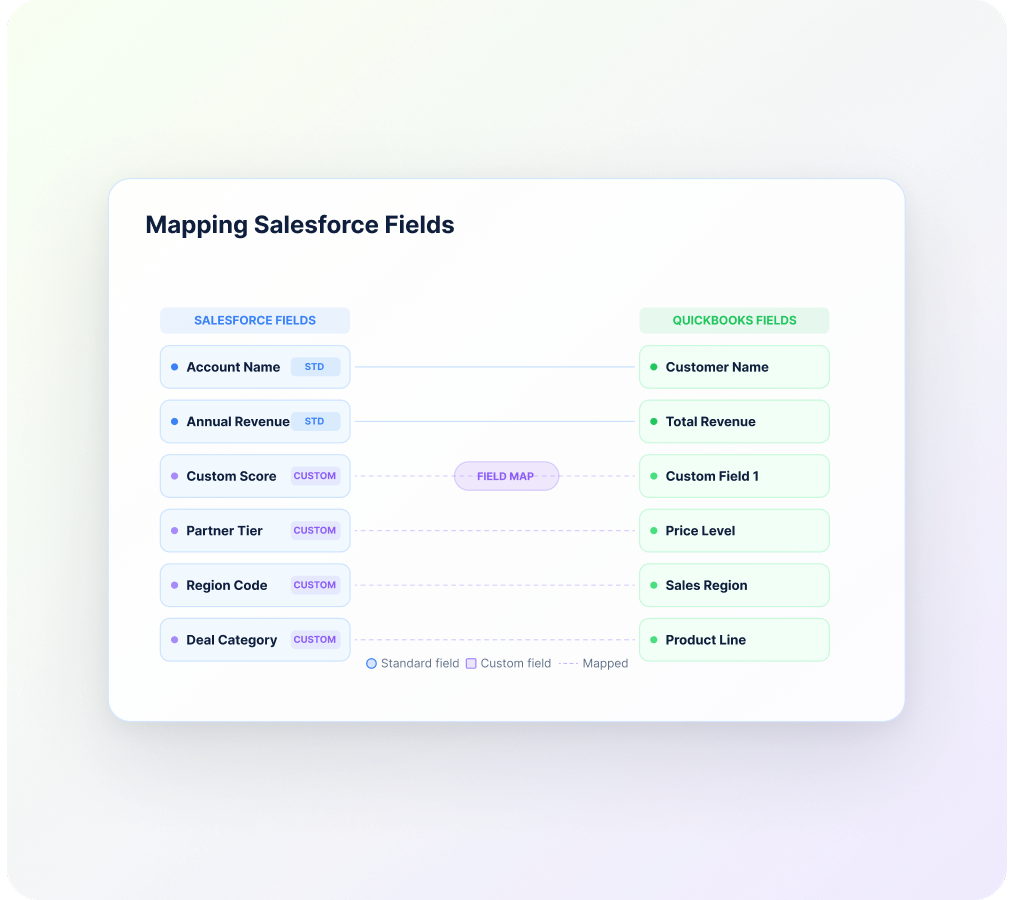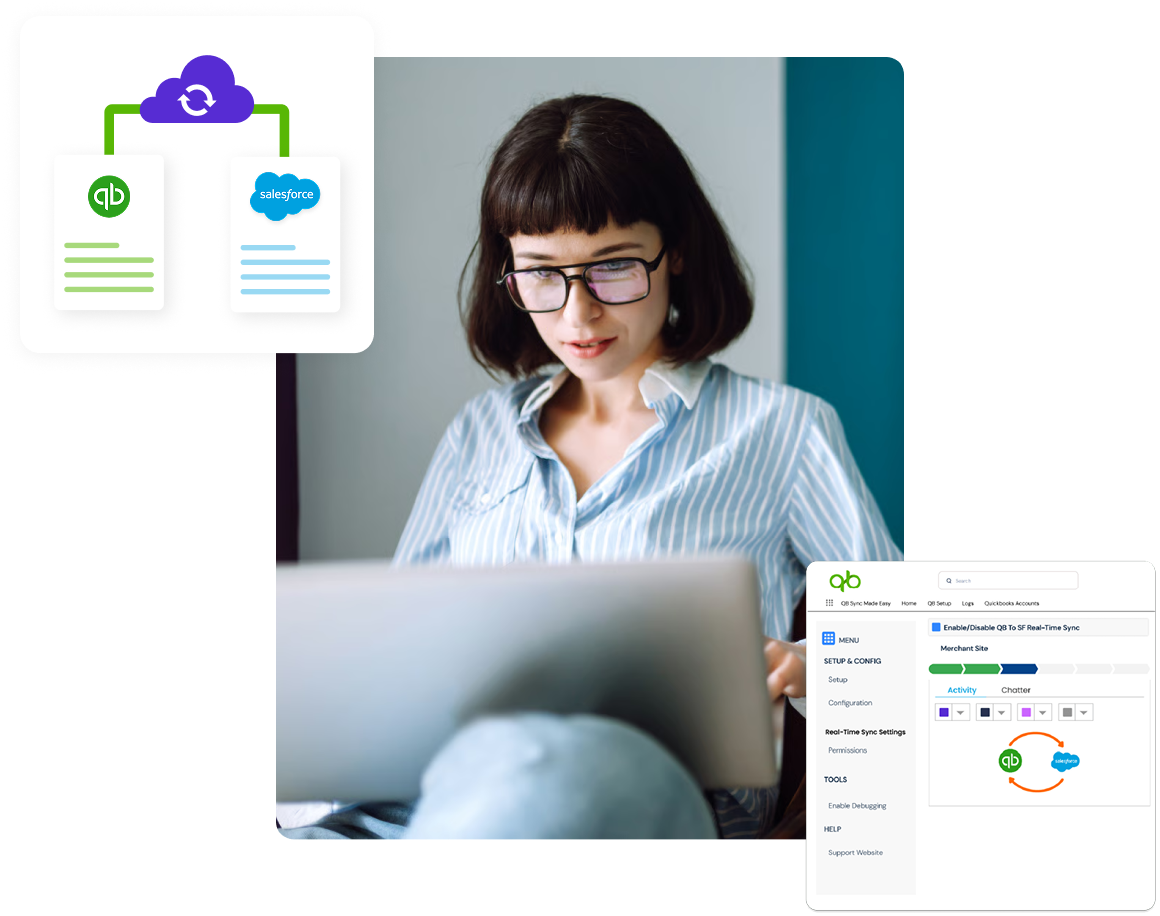
Every business stores data differently, and standard field mapping isn't always enough. Dynamic Mapping & Custom Objects lets you connect QuickBooks fields with your custom Salesforce objects and fields, so your data moves the way your business already works, without changing existing processes in QuickBooks Online.
As your Salesforce environment grows, custom objects and fields become a part of everyday operations. This feature helps keep that information connected with QuickBooks, making data synchronization much more flexible through a custom data mapping solution.
Every business has its own way of managing data. Therefore, instead of limiting you to standard mappings, this feature allows you to configure connections based on your own Salesforce setup.
Connect QuickBooks fields with custom Salesforce fields and objects according to your business requirements. Additionally, this flexible data integration approach helps you maintain your existing data structure without making unnecessary changes.
Benefit: More flexibility while keeping your current processes intact.
Create mapping rules that match the way your teams already work. Also, every synchronization follows the configuration you define for your business.
Benefit: Data moves exactly where it is needed.
Mapped information stays aligned between Salesforce and QuickBooks, helping reduce manual edits over time. Therefore, teams spend less time correcting records and more time using accurate information during data platform transformation.
Benefit: Better data quality with fewer manual updates.
As new custom fields or objects are added, you can update mappings without rebuilding the entire integration. Additionally, your synchronization can continue supporting changing business requirements in QuickBooks Online.
Benefit: An integration that grows along with your business.
Whether your organization uses custom objects for operations, finance, customer management, or industry-specific processes, Dynamic Mapping & Custom Objects helps keep every important record connected through a custom data mapping solution.
Map patient, billing, and operational custom records between Salesforce and QuickBooks with greater flexibility.
Connect custom sales, inventory, and customer information without changing existing business processes.
Manage donor, grant, fundraising, and financial records across organizations with accurate data alignment.
Synchronize production, operational, and financial data using custom objects designed for your organization.
Support unique Salesforce implementations by connecting custom objects with QuickBooks data using flexible data integration.
Keep student, payment, and administrative records synchronized using your own custom Salesforce structure.
Connect client, case, billing, and matter-related records across entities with consistent data flow.