
How Customer Success Teams Leverage Quickbooks-Salesforce Integrations for Better Service
Customer success teams are responsible for maintaining strong relationships, ensuring customer satisfaction, and identifying opportunities for retention and growth. However, when financial data lives in QuickBooks while customer interactions live in Salesforce, teams often struggle with limited visibility into billing information, invoices, and payment history.
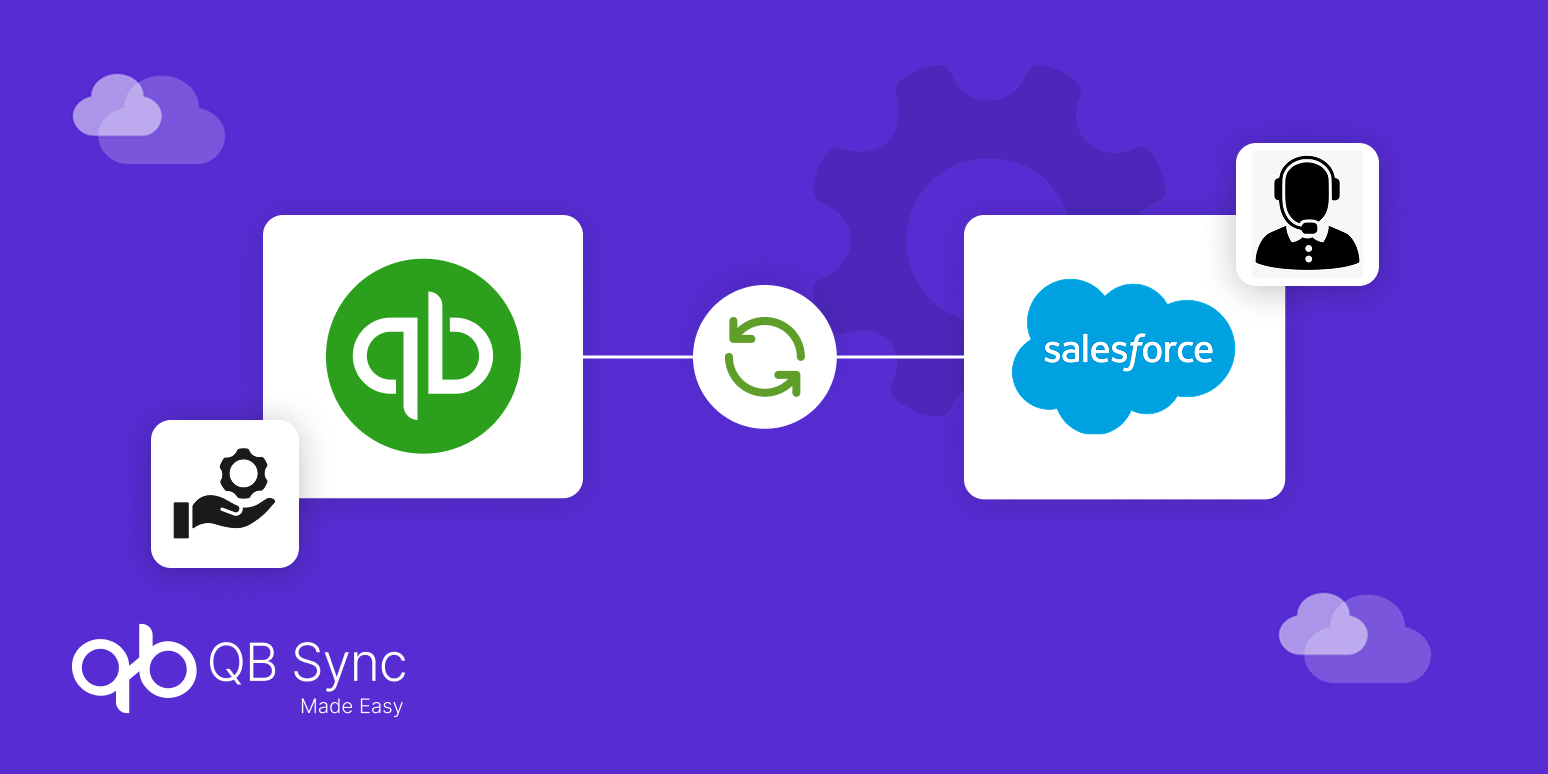
This is where QuickBooks Salesforce integration becomes critical. By connecting QuickBooks Online and Salesforce, customer success teams gain real-time access to financial data within the CRM they already use every day.
Instead of switching between systems, they can instantly view invoices, payment status, subscription renewals, and account balances directly in Salesforce.
As a result, companies that integrate Salesforce and QuickBooks empower their customer success teams to provide faster support, resolve billing questions quickly, and improve overall customer experience.
Why Customer Success Teams Need QuickBooks Salesforce Integration
Customer success teams rely heavily on accurate customer data to deliver proactive service. However, when finance and CRM systems are disconnected, teams often lack the information needed to fully understand the customer relationship.
A QuickBooks Salesforce integration bridges this gap by bringing financial visibility directly into Salesforce.
Without integration, customer success teams may encounter issues such as delayed billing updates, incomplete customer records, and time wasted searching for invoice information in accounting systems. Integrating QuickBooks Online and Salesforce ensures that billing and payment data remain synchronized across both platforms.
This unified view allows teams to respond to customers faster and deliver more personalized support.
Key Challenges Customer Success Teams Face Without Integration
Before exploring how integration improves service delivery, it’s important to understand the challenges that arise when Salesforce and QuickBooks operate separately.
Lack of Financial Visibility
Customer success managers typically work within Salesforce to track customer relationships and support interactions. However, invoice and payment information often resides in QuickBooks. Without integration, teams must contact finance departments or manually check QuickBooks, which slows response times.
Delayed Billing Information
If invoice data is not synced automatically, customer success teams may rely on outdated billing details. This can lead to incorrect responses when customers ask about payments, invoices, or account balances.
Manual Coordination Between Teams
Without a connected system, customer success and finance teams frequently exchange emails or spreadsheets to verify billing information. This manual coordination increases operational overhead and delays issue resolution.
These challenges highlight why many organizations now prioritize QuickBooks Salesforce integration to support customer-facing teams.
How QuickBooks Salesforce Integration Improves Customer Success
Integrating QuickBooks Online and Salesforce enables customer success teams to access financial insights directly within the CRM. This integration improves service quality and enables proactive customer engagement.
Real-Time Invoice Visibility
With a proper QuickBooks Salesforce integration, invoices created in QuickBooks automatically appear in Salesforce customer records. Customer success teams can instantly see invoice status, due dates, and outstanding balances.
This visibility helps teams respond to billing questions without waiting for finance teams, which improves customer satisfaction.
Faster Issue Resolution
When customers reach out with payment-related queries, support teams can quickly review financial details inside Salesforce. This eliminates delays caused by switching systems or requesting information from accounting departments.
As a result, organizations provide faster and more efficient support experiences.
Better Customer Communication
Customer success teams equipped with billing insights can communicate with customers more effectively. For example, if a payment is overdue or an invoice is pending, teams can proactively follow up and assist customers before issues escalate.
This proactive communication helps strengthen long-term relationships.
Key Use Cases for Customer Success Teams
Organizations using QuickBooks Salesforce integration often unlock several practical benefits for customer success teams.
Managing Customer Billing Queries
Customers frequently contact support teams with questions related to invoices, payments, and billing history. With integrated systems, customer success managers can instantly access this information within Salesforce, enabling faster and more accurate responses.
Supporting Account Renewals
For subscription-based businesses, customer success teams play a major role in managing renewals. By viewing billing history and payment status through Salesforce and QuickBooks integration, teams can identify renewal risks early and address potential issues proactively.
Improving Customer Retention
Financial transparency helps customer success teams understand customer behavior. For example, repeated delayed payments may signal dissatisfaction or operational challenges. Having this data available inside Salesforce allows teams to intervene early and maintain stronger relationships.
The Role of Automation in Customer Success Operations
Automation is one of the biggest advantages of QuickBooks Salesforce integration. When both systems sync automatically, customer success teams no longer depend on manual updates or cross-team communication to access financial data.
Automated data synchronization ensures that invoice creation, payment updates, and financial records in QuickBooks automatically reflect in Salesforce. This real-time visibility enables customer success teams to focus on relationship management instead of administrative tasks.
Additionally, automation improves data accuracy. Because information flows directly between QuickBooks Online and Salesforce, the chances of human errors or duplicate entries are significantly reduced.
What to Look for in a QuickBooks Salesforce Integration
To fully support customer success operations, businesses should implement an integration solution that provides reliable syncing and strong data visibility.
Real-Time Data Sync
A reliable integration should automatically sync customer records, invoices, and payments between QuickBooks and Salesforce so that teams always work with the latest information.
Invoice and Payment Tracking
Customer success teams benefit from direct access to billing details inside Salesforce. Integration solutions should ensure that invoice status and payment updates remain visible within the CRM.
Secure Data Synchronization
Since financial data is sensitive, the integration platform should provide secure and reliable data transfer between systems.
Selecting the right integration solution ensures that customer success teams can deliver efficient and informed service.
Why QuickBooks Salesforce Integration is Essential for Customer Experience
Customer experience has become one of the most important differentiators for modern businesses. Organizations that empower their teams with accurate and accessible data are better positioned to deliver exceptional service.
By integrating Salesforce and QuickBooks, companies remove operational silos between finance and customer teams. Customer success managers gain complete visibility into billing data, enabling them to respond faster, solve problems proactively, and strengthen customer relationships.
As businesses continue to prioritize automation and data-driven service strategies, QuickBooks Salesforce integration plays a critical role in supporting customer success operations.
Conclusion
A well-implemented QuickBooks Salesforce integration connects finance and customer data, ensuring that invoices, payments, and financial records remain accessible within Salesforce.
Customer success teams need complete visibility into customer relationships to deliver meaningful and timely support. However, when financial and CRM systems operate independently, teams lack the insights required to address billing concerns and manage customer accounts effectively.
This unified system empowers customer success teams to resolve issues faster, communicate more effectively, and build stronger customer relationships.
For organizations focused on delivering better customer service, integrating QuickBooks Online and Salesforce is not just a technical improvement, it is a strategic investment in customer experience.