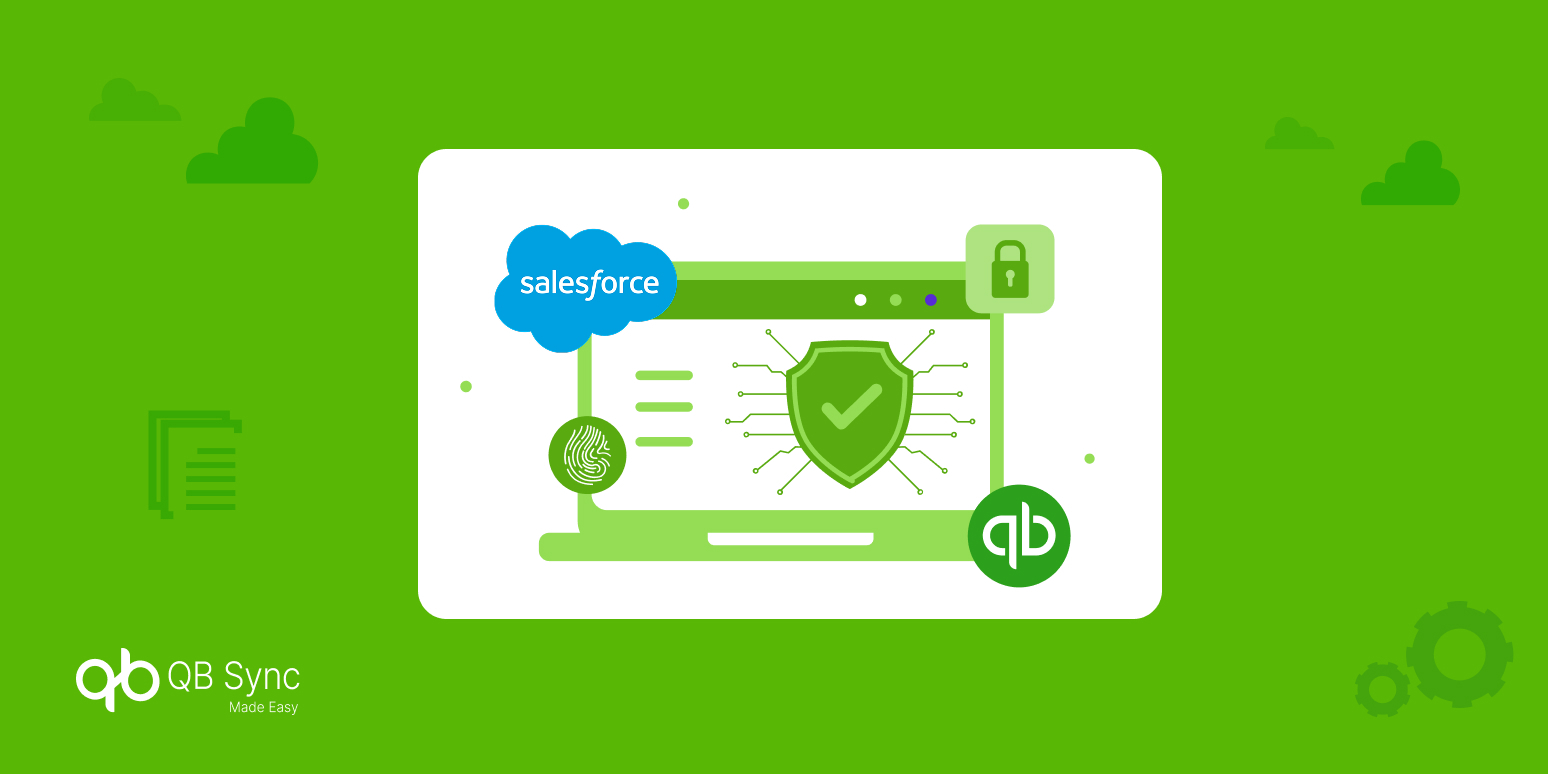
As businesses increasingly rely on connected financial and CRM systems, security in QuickBooks Salesforce integration has become a top concern. Syncing sensitive financial data such as invoices, payments, customer records, and balances requires more than functional accuracy. It demands airtight security, compliance with accounting standards, and full visibility into data movement.
A secure QuickBooks Salesforce integration not only protects revenue data but also builds trust across finance, sales, and leadership teams. Understanding Salesforce and QuickBooks compliance and how they work together to ensure security is the foundation of a reliable integration strategy.
Why Security Matters in QuickBooks-Salesforce Integration
At the heart of every integration lies sensitive data. When Salesforce and QuickBooks exchange information, they transfer customer identities, financial transactions, payment details & much more. Without proper safeguards, this creates exposure to data breaches, unauthorized access, and compliance violations.
Strong QuickBooks Salesforce security ensures:
- Financial data remains encrypted
- Only authorized users can access synced records
- All actions are auditable and traceable
As Salesforce emphasizes on its Trust platform:
“Security is not an add-on, it’s built into everything we do.”
-Salesforce Trust
This philosophy must extend to every Salesforce-QuickBooks sync.
Authentication & OAuth: The First Line of Defense
Any discussion on Salesforce QuickBooks data security must start with authentication. OAuth 2.0 is the industry standard used to authorize secure communication between platforms.
Salesforce QuickBooks OAuth security explained simply:
- No passwords are shared between systems
- Access tokens can be revoked instantly
- Permissions are tightly scoped
This approach minimizes attack surfaces and ensures that integrations remain secure even as teams change or systems evolve.
Data Encryption: Protecting Information in Transit and at Rest
Encryption plays a critical role in data protection in Salesforce and QuickBooks. Data should be encrypted:
- In transit using TLS/HTTPS protocols
- At rest within Salesforce and QuickBooks environments
Salesforce data encryption and QuickBooks security controls ensure that even if data is intercepted, it remains unreadable. Encryption is not optional; it’s a baseline requirement for accounting standards compliance and enterprise trust.
Role-Based Access Control & Permission Management
A secure sync is not just about technology, it’s also about who can see what.
Salesforce QuickBooks access control enables:
- Role-based permissions
- Restricted financial visibility for non-finance users
- Separation of duties across teams
By implementing Salesforce QuickBooks role-based access control, businesses reduce internal risks while maintaining operational flexibility.
Audit Logs & Monitoring: Visibility Builds Trust
One of the most overlooked aspects of QuickBooks Salesforce integration security is visibility.
Audit logs provide:
- A record of every sync action
- Error tracking and troubleshooting
- Compliance-ready reporting
Audit logs in QuickBooks Salesforce integrations are essential for both internal governance and external audits. They ensure accountability and allow teams to quickly identify and resolve anomalies.
Compliance Standards: Meeting Regulatory Requirements
Security and compliance go hand in hand. A well-designed integration supports multiple compliance frameworks, including:
- QuickBooks compliance for financial record accuracy
- Accounting standards compliance for audits and reporting
- Data privacy regulations (GDPR, SOC 2 readiness)
- Payment Card Industry Data Security Standard (PCI-DSS) compliance in QuickBooks when handling payment data to keep credit card data safe.
“Protecting customer financial data is foundational to trust and compliance.”
— Intuit Security Statement
A compliant integration minimizes risk while supporting long-term scalability.
Preventing Common Security Risks in QuickBooks-Salesforce Sync
Many businesses ask: Is QuickBooks Salesforce integration safe? The answer depends on how well risks are addressed.
Common risks include:
- Over-permissioned users
- Inconsistent field mapping
- Unmonitored sync failures
- Manual data overrides
How to prevent data breaches in QuickBooks Salesforce sync:
- Use least-privilege access
- Enable automated sync with error handling
- Monitor logs regularly
- Avoid manual data manipulation
Security is proactive, not reactive.
Best Practices for Secure QuickBooks Online Integrations
To implement QuickBooks integration security best practices, businesses should:
Use OAuth-Based Authentication Only
OAuth-based authentication ensures secure, tokenized access between Salesforce and QuickBooks without sharing user credentials. This approach significantly reduces unauthorized access risks and strengthens QuickBooks Salesforce security.
Encrypt Data at Every Stage
End-to-end encryption protects financial data both in transit and at rest, preventing interception or data leaks. Strong encryption is essential for Salesforce QuickBooks data security and regulatory compliance.
Enforce Role-Based Access Controls
Role-based access control limits data visibility based on user responsibilities, reducing internal security risks. It plays a key role in Salesforce QuickBooks access control and compliance enforcement.
Enable Audit Logs and Alerts
Audit logs provide a detailed record of sync activities, helping teams track changes and detect anomalies early. Alerts ensure quick action, supporting QuickBooks Salesforce integration security and audit readiness.
Review Compliance Requirements Regularly
Regular compliance reviews help organizations stay aligned with accounting standards and data protection regulations. This proactive approach ensures long-term QuickBooks compliance and secure integration scalability.
These steps form the backbone of best practices for secure QuickBooks Online integrations.
Conclusion
Security and compliance are not optional features; they are core requirements of any secure Salesforce-QuickBooks sync. From OAuth authentication and encryption to audit logs and compliance standards, every layer contributes to a resilient integration.
By prioritizing security in QuickBooks Salesforce integration, businesses protect not just data but credibility, revenue, and future growth.