
How Salesforce-QuickBooks Integration Helps Sales Teams Close Deals Faster
Nearly 65% of sales reps spend time on non-selling activities like data entry, quote creation, and invoice tracking, slowing down deal cycles and impacting revenue. As sales processes become more data-driven, disconnected systems between CRM and accounting create friction that directly affects closing speed.
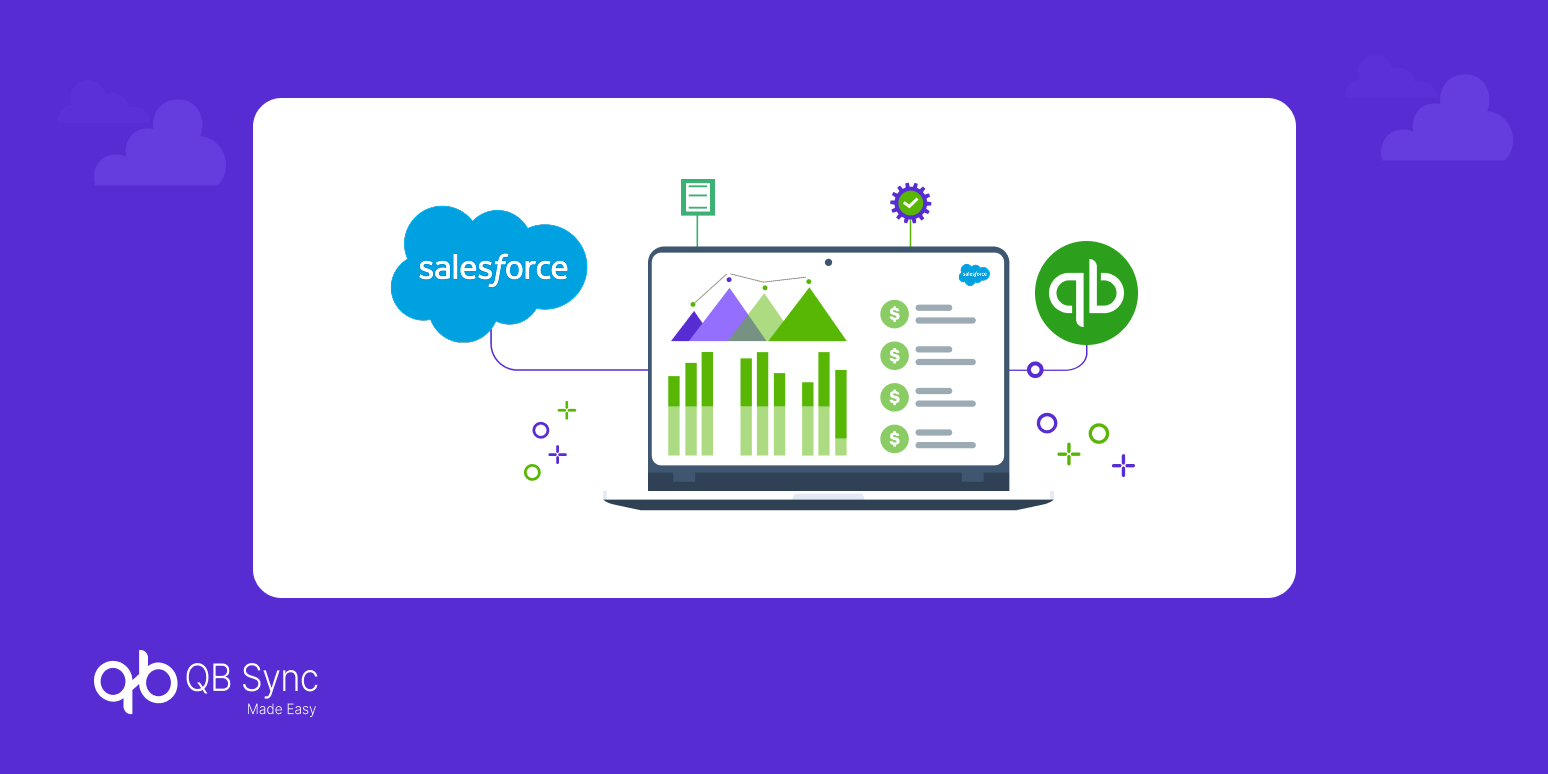
This is where QuickBooks Salesforce integration becomes a game-changer. By connecting Salesforce with QuickBooks, sales teams gain real-time visibility into financial data, automate invoicing, and eliminate manual work, making it easier to close deals faster and more efficiently.
In this blog, we’ll explore how Salesforce QuickBooks integration empowers sales teams, improves pipeline visibility, and accelerates revenue growth.
Why Sales Teams Struggle Without Salesforce and QuickBooks Integration
Sales teams rely on speed, accuracy, and visibility to close deals. However, when Salesforce and QuickBooks operate separately, teams face delays that directly impact conversions.
Without integration, reps must manually check invoice statuses, coordinate with finance teams, and update records across systems. This not only slows down the process but also increases the chances of errors.
As a result, deals get stuck in the final stages, where quick action matters the most. This is why businesses are increasingly choosing to integrate QuickBooks with Salesforce to remove these bottlenecks.
How QuickBooks Salesforce Integration Works for Sales Teams
To understand its impact, it’s important to see how the integration functions in a real sales environment.
QuickBooks Salesforce integration connects CRM data with accounting workflows, enabling seamless data flow between sales and finance.
- Customer and deal data from Salesforce syncs with QuickBooks
- Invoices are automatically generated using quickbooks invoice automation
- Payment updates reflect instantly in Salesforce
This real-time synchronization ensures that sales reps always have the latest financial information—without switching between tools.
Top Ways Integration Helps Sales Teams Close Deals Faster
Once systems are connected, the benefits directly impact deal velocity and conversion rates.
Real-Time Financial Visibility
Sales reps can access invoice status, payment history, and outstanding balances directly within Salesforce. This eliminates dependency on finance teams and speeds up decision-making during negotiations.
Faster Quote-to-Cash Process
With salesforce accounting integration, the transition from quote to invoice becomes seamless. Automated workflows ensure that once a deal is closed, invoices are generated instantly.
Reduced Manual Work
Manual data entry is one of the biggest time-wasters in sales. Integration removes repetitive tasks, allowing reps to focus on selling instead of administrative work.
Improved Customer Experience
When sales teams have accurate financial data, they can provide better responses to customers regarding pricing, invoices, and payments—building trust and improving close rates.
Better Pipeline Management
With synchronized data, sales leaders get a clear view of deal progress, revenue forecasts, and bottlenecks, enabling smarter decision-making.
Connecting Sales and Finance: The Real Advantage
The biggest advantage of Salesforce and QuickBooks integration is alignment between sales and finance teams.
Traditionally, these teams work in silos, leading to miscommunication and delays. Integration bridges this gap by creating a unified system where both teams access the same data in real time.
This alignment ensures that deals move smoothly from negotiation to payment—without unnecessary back-and-forth.
Use Cases: How Sales Teams Benefit in Real Scenarios
To make this more practical, here’s how integration helps in everyday sales operations:
Closing Deals Faster
Sales reps can instantly generate invoices after closing a deal, reducing delays and improving customer experience.
Handling Payment Queries
Instead of contacting finance teams, reps can directly check payment status within Salesforce and respond to customers in real time.
Upselling and Cross-Selling
With access to financial history, sales teams can identify opportunities for upselling based on customer purchase behavior.
How to Choose the Right Integration Solution
Not all integrations are built the same. To maximize benefits, businesses should look for:
- Real-time data sync between systems
- Seamless quickbooks for salesforce compatibility
- Automation capabilities for invoicing and payments
- Easy implementation and scalability
Choosing the right solution ensures that sales teams can fully leverage the power of integration.
Future of Sales with Integrated Systems
As businesses move toward automation and AI-driven insights, integration between CRM and accounting systems will become standard.
QuickBooks Salesforce integration is not just about efficiency—it’s about enabling smarter, faster, and more data-driven sales processes.
Companies that adopt integrated systems today will have a competitive advantage in closing deals and scaling revenue in the future.
Conclusion
Closing deals faster requires more than just a strong sales strategy, it requires the right technology. QuickBooks Salesforce integration empowers sales teams with real-time financial insights, automated workflows, and seamless collaboration with finance teams.
By integrating Salesforce with QuickBooks, businesses can eliminate delays, improve efficiency, and create a smoother path from lead to revenue. For sales teams looking to boost performance and close deals faster, integration is no longer optional, it’s essential.