QuickBooks Salesforce Integration: Ultimate Guide 2026
Published on February 12, 2026
Updated on February 13, 2026
By Team QB Sync Made Easy
Sales teams close deals in Salesforce. Finance teams manage invoices and payments in QuickBooks. But when these two systems operate separately, businesses struggle with data silos, delayed reporting, duplicate entries, and inconsistent revenue visibility.
This is why QuickBooks Salesforce Integration has become a mission-critical requirement in 2026. Companies no longer just want connectivity; they want real-time sync, automation, accuracy, and scalability.
In this ultimate guide, you’ll learn:
- How Salesforce and QuickBooks integration works
- The best way to sync QuickBooks with Salesforce automatically
- Integration methods and app comparisons
- Common mistakes to avoid
- How to enable real-time finance automation
- How to choose the best QuickBooks Salesforce integration app
Let’s start with the foundation.
What is QuickBooks Salesforce Integration?
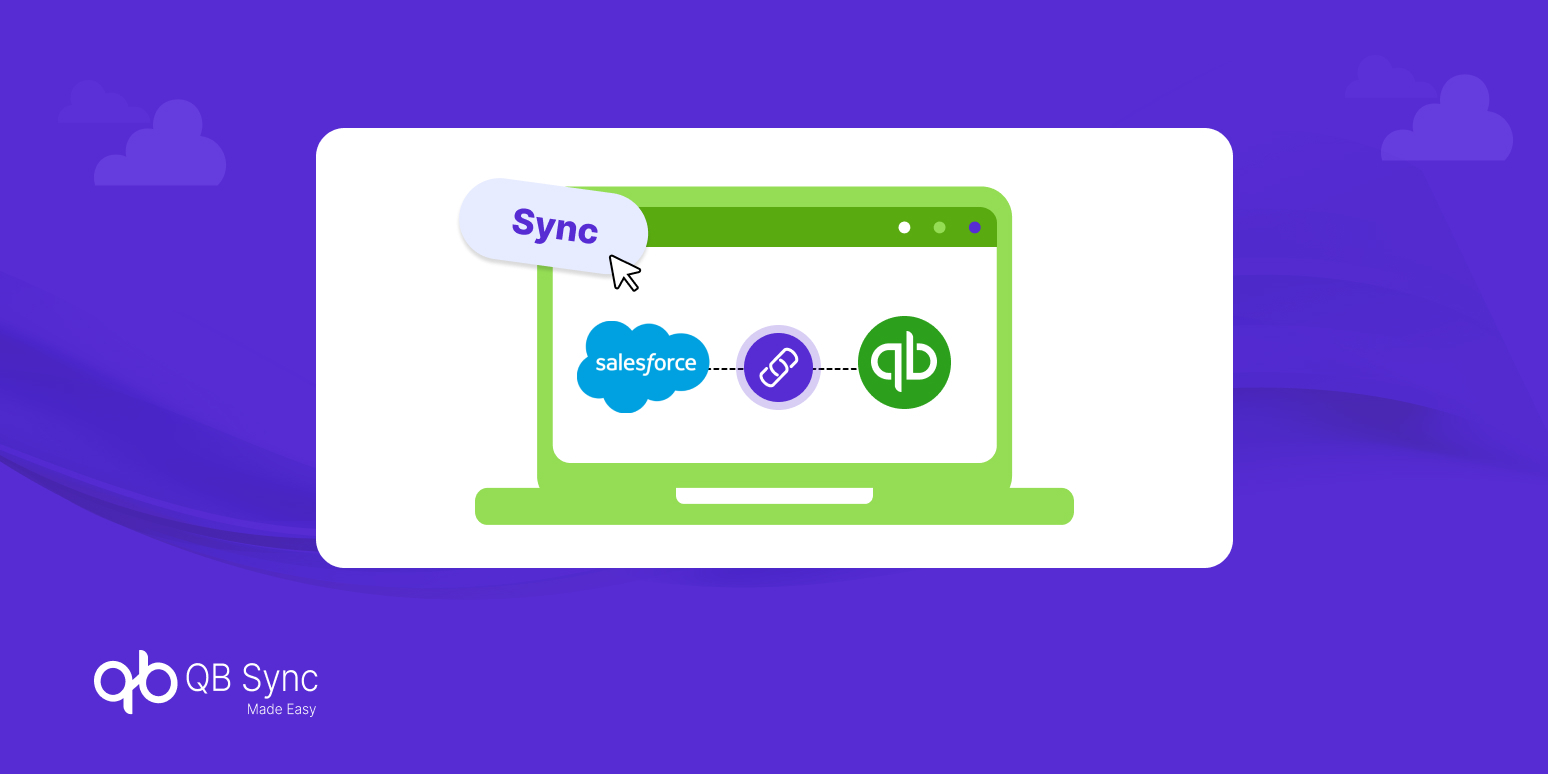
QuickBooks Salesforce Integration refers to connecting Salesforce CRM with QuickBooks (Online or Desktop) to enable automatic data exchange between sales and accounting systems.
Instead of manually entering invoices, customer records, and payments in two systems, integration ensures both platforms remain synchronized.
This integration typically syncs:
- Customers & Accounts
- Products & Price Books
- Invoices & Sales Orders
- Payments & Payment Status
- Taxes & Multi-currency data
When implemented correctly, Salesforce QuickBooks sync creates a single source of truth for revenue operations.
Now that we understand what it is, let’s explore why it has become essential in 2026.
Why QuickBooks Salesforce Integration Is Essential in 2026
Businesses today demand real-time data visibility. Sales forecasts must align with financial reporting. Revenue recognition must reflect opportunity progress. This is where Salesforce and QuickBooks integration plays a strategic role.
Modern organizations face:
- Growing transaction volumes
- Multi-currency operations
- Remote teams
- Increased audit and compliance requirements
Manual syncing is no longer sustainable. Real-time QuickBooks Salesforce integration for finance automation ensures:
- Faster invoice generation
- Accurate revenue reporting
- Reduced manual errors
- Improved collaboration between sales and finance
With that context, let’s understand how integration actually works.
How QuickBooks Salesforce Sync Works
To understand how to integrate QuickBooks Online with Salesforce, you must first understand the data flow model.
At its core, integration operates using APIs. These APIs allow data to move between systems based on defined rules.
There are three major sync types:
1. One-Way Sync
Data moves from Salesforce to QuickBooks (or vice versa). This is useful when Salesforce drives invoice creation and QuickBooks handles accounting.
2. Two-Way Sync
Data flows in both directions. For example, payment updates in QuickBooks reflect automatically in Salesforce.
3. Real-Time vs Scheduled Sync
Real-time sync updates data instantly, while scheduled sync runs at intervals (hourly/daily).
For businesses seeking automation, the best way to sync QuickBooks with Salesforce automatically is through controlled, rule-based two-way synchronization.
Now let’s explore the integration options available.
Methods for QuickBooks Online Salesforce Integration
There are multiple ways to implement Salesforce QuickBooks integration. Choosing the right one depends on business size, complexity, and automation goals.
1. Salesforce QuickBooks Integration Apps
Salesforce AppExchange offers several QuickBooks Salesforce integration apps designed for seamless deployment.
Benefits:
- Faster setup
- Pre-built connectors
- Configurable mapping
- Lower maintenance
These apps are ideal for organizations looking for scalability without heavy development work.
2. Custom API Integration
Businesses with unique workflows may opt for custom development using QuickBooks and Salesforce APIs.
While highly flexible, this approach:
- Requires developers
- Involves ongoing maintenance
- Increases long-term cost
It is better suited for enterprises with dedicated IT teams.
3. Middleware Platforms
Some organizations use middleware tools to connect multiple systems beyond Salesforce and QuickBooks.
This is beneficial for complex ecosystems but may add unnecessary complexity for small to mid-sized businesses.
Now that we’ve covered integration methods, let’s examine what competitors often miss automation depth.
Real-Time QuickBooks Salesforce Integration for Finance Automation
Integration alone is not enough. The real competitive advantage lies in finance automation.
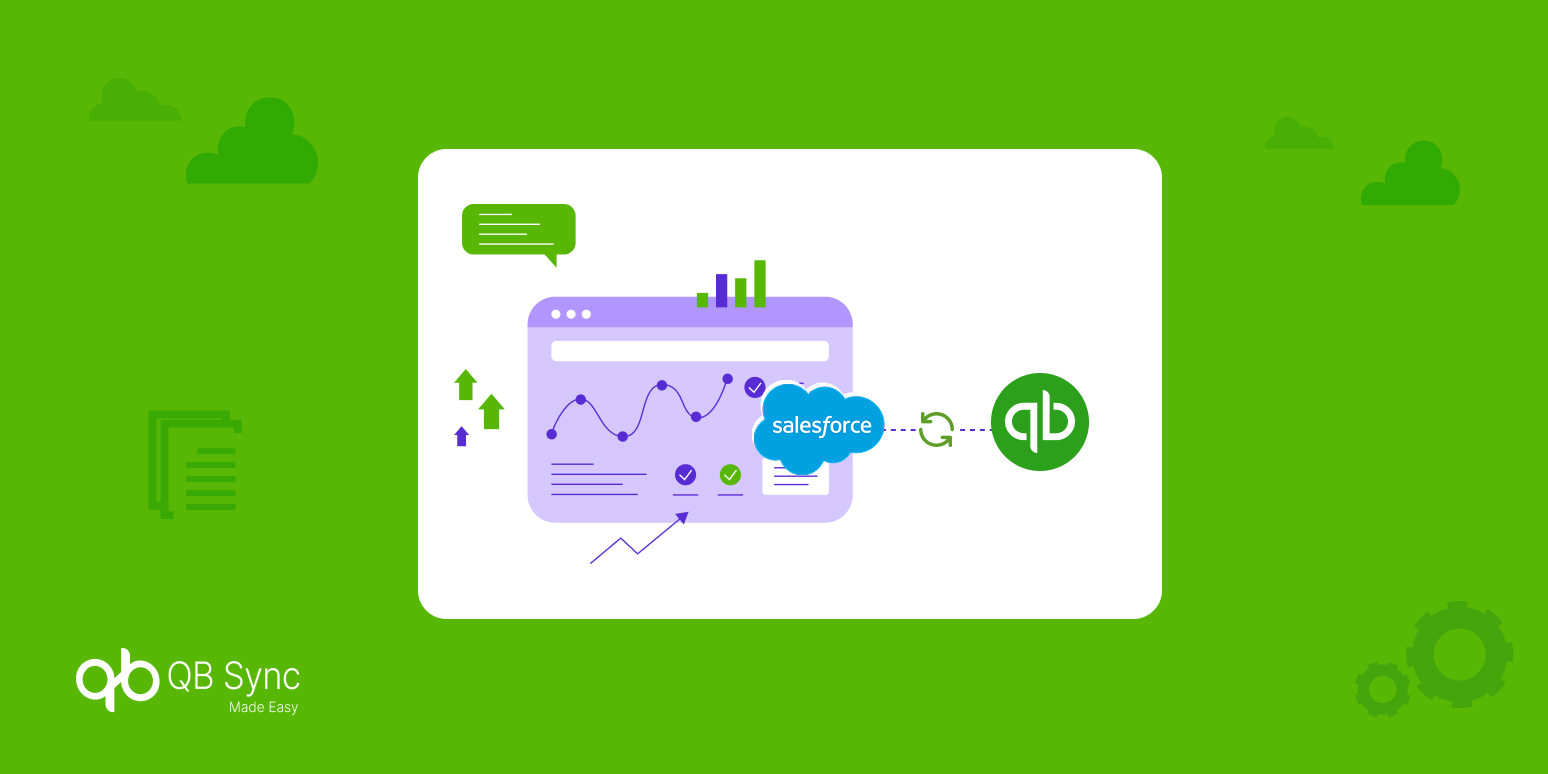
Finance automation ensures that once a deal is closed in Salesforce:
- An invoice is automatically created in QuickBooks
- Tax calculations apply correctly
- Payment updates reflect instantly
- Revenue dashboards update in Salesforce
Without automation, integration becomes merely a data mirror, not a productivity engine.
This is why businesses in 2026 prioritize:
- Automated invoice generation
- Payment status sync
- Real-time financial reporting
- Audit trail visibility
Automation transforms integration from operational convenience into strategic infrastructure.
But automation can fail if mistakes are made.
Common Mistakes in QuickBooks Salesforce Integration
Even with the right tools, implementation errors can reduce ROI. Let’s explore the most frequent mistakes.
1. No Clear Sync Direction
Businesses fail to define whether sync should be one-way or bidirectional. This leads to duplicate records and financial discrepancies.
2. Poor Data Mapping
Incorrect field mapping between Salesforce and QuickBooks results in reporting inconsistencies and invoice errors.
3. Ignoring Data Cleanup
Integrating unclean data spreads duplicates across both systems.
4. Overlooking API Limits
API restrictions in Salesforce and QuickBooks can interrupt data flow if not planned properly.
5. Choosing the Wrong Integration App
Not all Salesforce QuickBooks integration apps offer the same automation depth. Selecting a tool without evaluating scalability, customization, and support can cause long-term inefficiencies.
Avoiding these mistakes ensures smoother deployment and long-term scalability.
Now let’s explore how to choose the best QuickBooks Salesforce integration app.
How to Choose the Best QuickBooks Salesforce Integration App
With many Salesforce QuickBooks integration apps available, choosing the right solution requires evaluation beyond price.
Consider:
1. Automation Capabilities
Does the app support automated invoice creation and payment updates? Automation is key for finance efficiency.
2. Custom Field Mapping
Flexible mapping ensures your unique Salesforce and QuickBooks setup remain aligned.
3. Real-Time Sync Support
Delayed sync creates operational gaps. Real-time capability is critical for revenue visibility.
4. API Limit Management
The app should intelligently manage API calls to prevent sync failures.
5. Scalability
As your transaction volume grows, the integration must scale without performance degradation.
The best QuickBooks Salesforce integration app is one that balances simplicity with automation power.
Business Benefits of Salesforce and QuickBooks Integration
When implemented correctly, QuickBooks Salesforce integration delivers measurable impact:
- 60–70% reduction in manual data entry
- Faster invoice processing
- Improved revenue forecasting
- Accurate financial dashboards
- Better sales and finance alignment
More importantly, it transforms fragmented workflows into a connected revenue ecosystem.
Final Thoughts: The Future of QuickBooks Salesforce Integration in 2026
QuickBooks Salesforce Integration is no longer optional; it’s foundational for scalable growth. Businesses that invest in real-time sync and finance automation gain operational clarity, faster reporting, and stronger cross-team collaboration.
Whether you are evaluating Salesforce QuickBooks integration apps or exploring custom solutions, your goal should not just be connectivity; it should be automation, accuracy, and long-term scalability.
As integration technology evolves in 2026, organizations that prioritize structured, automated, and real-time QuickBooks Salesforce sync will lead in efficiency and financial transparency.
For businesses seeking intelligent, AI-driven QuickBooks Salesforce integration with real-time automation, QB Sync Made Easy offers the control and reliability modern finance teams demand.