
How to Improve Revenue Forecasting with Quickbooks Salesforce Integration
Nearly 67% of business leaders say inaccurate forecasting is one of their biggest growth challenges, often caused by disconnected systems and incomplete data. When sales data lives in CRM and financial data sits in accounting software, forecasting becomes guesswork instead of strategy.
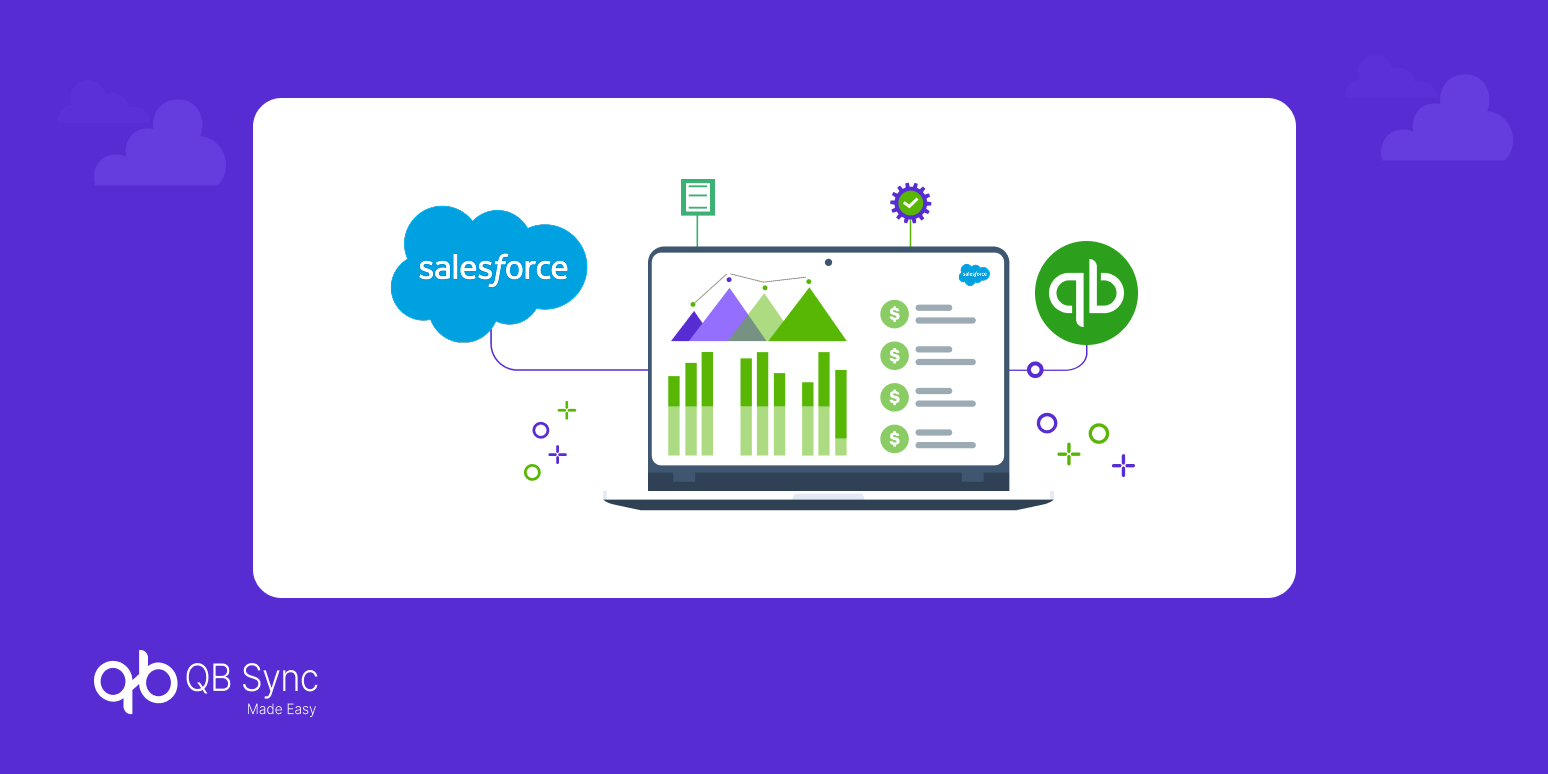
This is where a QuickBooks Salesforce integration transforms the process. By connecting Salesforce and QuickBooks, businesses gain real-time visibility into both pipeline and revenue data, making forecasting more accurate, actionable, and scalable.
In this blog, we’ll explore how to improve revenue forecasting in Salesforce using integration, why traditional methods fail, and how businesses can build a data-driven forecasting model.
Why Revenue Forecasting Fails Without Integration
Revenue forecasting depends on accurate, real-time data. However, most businesses struggle because their systems are not connected.
Sales teams rely on salesforce forecast data, while finance teams depend on QuickBooks reports. Without proper crm and accounting integration, these datasets often don’t align.
This disconnect leads to:
- Overestimated pipeline values
- Delayed financial updates
- Lack of visibility into actual revenue
As a result, businesses make decisions based on incomplete insights, which impacts growth and planning.
What Is QuickBooks Salesforce Integration for Revenue Forecasting?
To solve these challenges, companies are turning to QuickBooks Salesforce integration for revenue forecasting.
This integration connects CRM and accounting systems, allowing data to flow seamlessly between platforms.
- Sales data from Salesforce syncs with QuickBooks financial records
- Revenue updates reflect in real time
- Forecasts are based on actual financial performance
By integrating systems, businesses move from assumptions to data-driven forecasting, improving accuracy and reliability.
How Integration Improves Revenue Forecasting in Salesforce
Once systems are connected, forecasting becomes more precise and actionable.
1. Real-Time Data Synchronization
Integration ensures that sales pipeline data and financial records are always aligned. This eliminates delays and provides a clear view of revenue performance.
2. Accurate Revenue Recognition
With synced data, businesses can track when revenue is actually realized, not just when deals are closed. This improves forecasting accuracy significantly.
3. Better Pipeline Visibility
Sales teams can see how deals translate into revenue, helping them prioritize high-value opportunities.
4. Reduced Data Silos
By connecting quickbooks crm capabilities with Salesforce, teams work from a single source of truth.
Key Components of a Strong Forecasting Model
To fully leverage Salesforce QuickBooks integration, businesses must build a structured forecasting approach.
1. Unified Data System
A connected system ensures that CRM and accounting data work together, improving visibility across teams.
2. Automated Reporting
Automation eliminates manual updates, ensuring reports are always accurate and up to date.
3. Historical Data Analysis
Access to past financial and sales data helps identify trends and improve future forecasts.
4. Predictive Insights
With integrated systems, businesses can use data to predict revenue patterns and make proactive decisions.
Use Cases: Real Business Impact
Understanding how integration works in practice helps connect theory to results.
Sales and Finance Alignment
With a CRM that integrates with QuickBooks, both teams work with the same data, reducing miscommunication and improving efficiency.
Improved Budget Planning
Accurate forecasts allow businesses to allocate resources more effectively and plan for growth.
Faster Decision-Making
Real-time insights enable leaders to respond quickly to changes in revenue trends.
Choosing the Best CRM for QuickBooks Integration
Not all CRMs offer the same level of integration. When selecting the best CRM for QuickBooks, businesses should consider:
- Real-time data synchronization
- Compatibility with QuickBooks
- Customizable workflows
- Scalability for future growth
Salesforce stands out as a leading choice due to its flexibility and advanced forecasting capabilities.
Future of Revenue Forecasting with Integration
As businesses adopt AI and automation, forecasting will become more predictive and data-driven.
QuickBooks Salesforce integration will play a key role in this transformation by providing real-time insights and eliminating manual processes.
Companies that invest in integration today will gain a competitive advantage by making faster, smarter decisions based on accurate data.
Revenue forecasting is only as good as the data behind it. When systems are disconnected, forecasts become unreliable and decision-making suffers.
By implementing QuickBooks Salesforce integration, businesses can unify sales and financial data, improve accuracy, and gain real-time visibility into revenue performance.
In 2026, successful companies will be those that move beyond traditional forecasting methods and adopt integrated, data-driven strategies.