
How to Access and Use Interactive Dashboards in Salesforce for QuickBooks Integration
Frequently Asked Questions
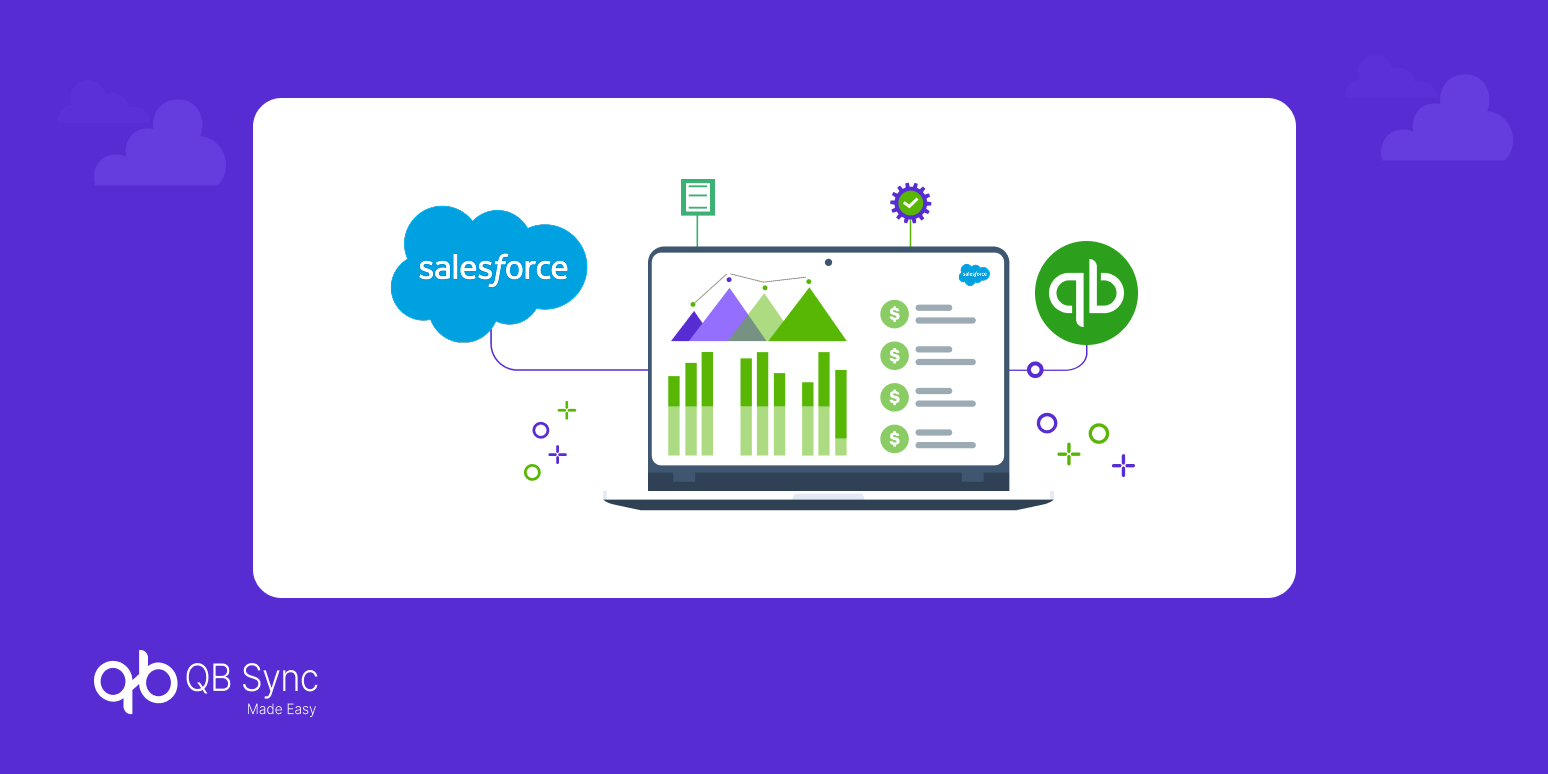
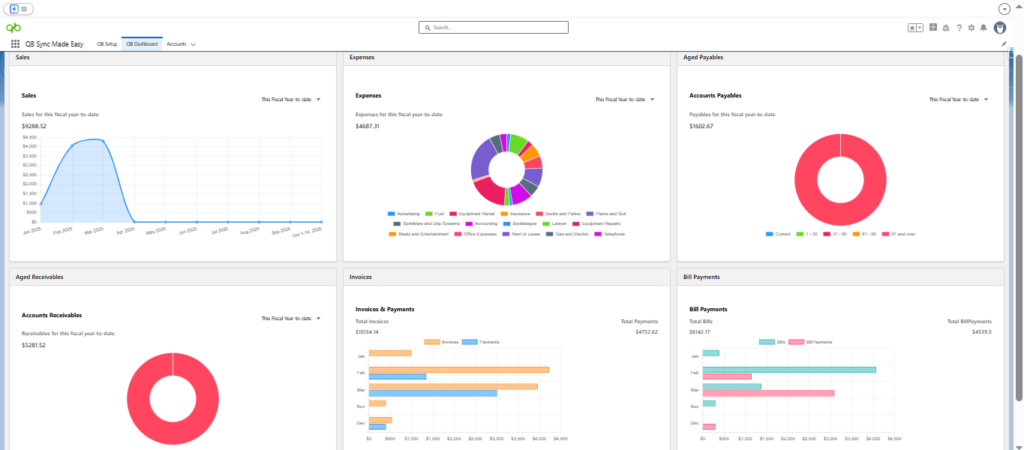
Interactive dashboards allow you to view and analyze your QuickBooks Online data visually inside Salesforce. They present key financial information like sales, invoices, and expenses in easy-to-understand charts and reports.
No. Company-level dashboards are prebuilt and require no setup. Once your QuickBooks companies are connected, the dashboards automatically display all relevant financial data.
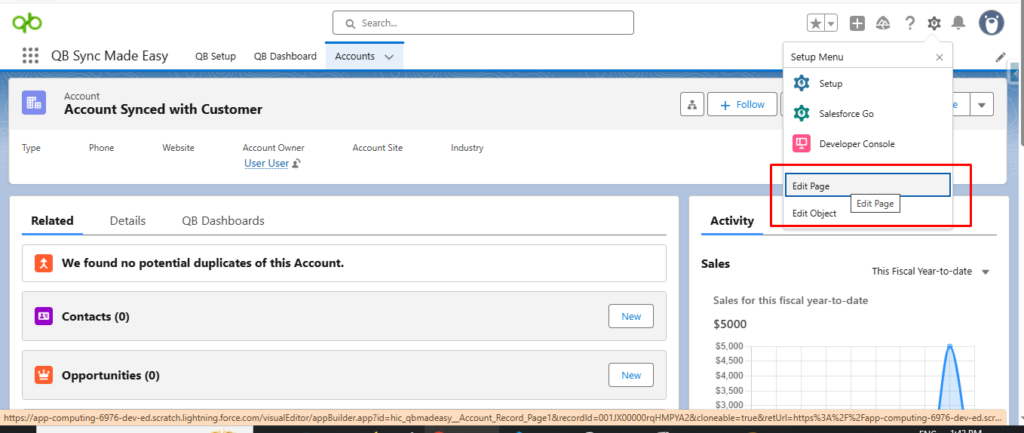
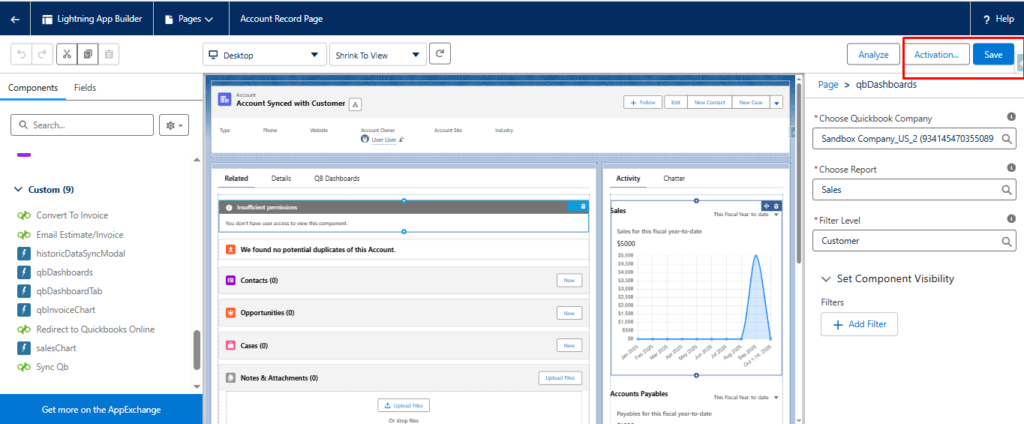
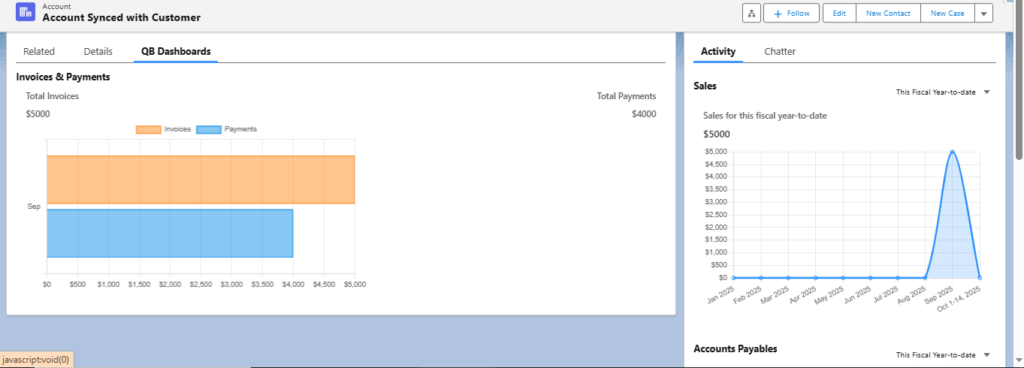
Yes. Record-level dashboards can be customized using Lightning App Builder. You can select the QuickBooks company, report type (sales, expenses, accounts payable), and filter level to match your needs.
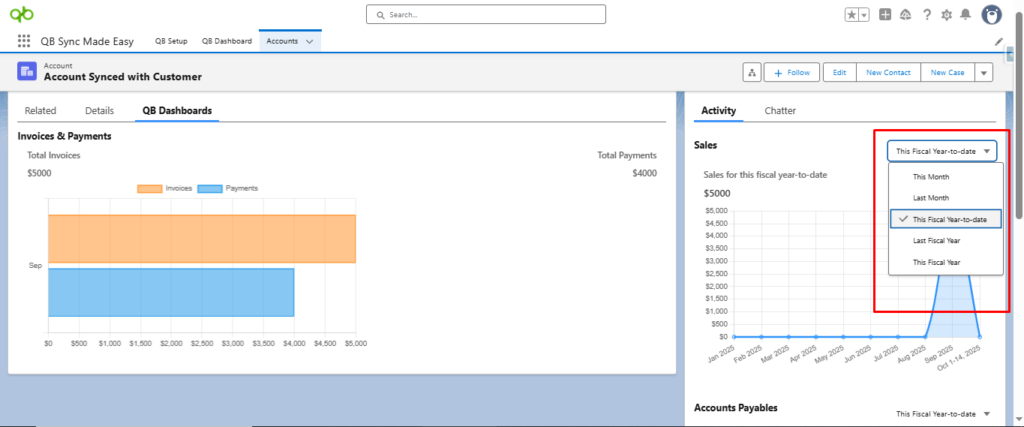
Yes. Users can easily adjust the date range to view financial data for different periods, making trend analysis and comparisons simple.
Record-level dashboards can be added to standard and custom Salesforce record pages, such as Accounts, Opportunities, or Vendors, depending on your business workflow.
Recent Articles