How Real-Time Data Sync Between Salesforce and QuickBooks Streamlines Business Operations in 2026
Real-time data sync between Salesforce and QuickBooks has become essential for businesses striving to stay efficient and competitive. Companies face constant pressure to move faster, maintain data accuracy, and deliver seamless experiences to their customers.
However, for organizations using Salesforce as their CRM and QuickBooks as their financial management platform, keeping these two powerful systems aligned has long been a challenge.
Traditional methods like manual data entry or scheduled batch updates often result in delayed insights, mismatched records, and operational inefficiencies. But 2026 brings a smarter way forward.
With solutions like QB Sync Made Easy, businesses can now achieve real-time, automated synchronization between Salesforce and QuickBooks, ensuring both systems always reflect the latest, most accurate data. This not only saves time but also empowers teams to make better decisions faster.
In this blog, we’ll explore what real-time data sync really means, why it matters more than ever in 2026, and how it can transform your business operations from end to end.
What is Real-Time Data Sync Between Salesforce and QuickBooks?
Real-time data sync is a process that ensures any change made in Salesforce or QuickBooks is instantly mirrored in the other system.
For example:
- If your sales team updates a customer’s address in Salesforce, it automatically updates in QuickBooks without anyone manually exporting or importing data.
- When your accounting team creates a new invoice in QuickBooks, Salesforce immediately reflects that update in the corresponding customer or opportunity record.
This synchronization happens in seconds, not hours, and doesn’t rely on scheduled imports or manual triggers. It creates a single source of truth between your CRM and accounting systems, something that’s critical for accurate reporting, fast invoicing, and efficient workflows.
Unlike traditional integration methods, real-time sync removes bottlenecks caused by delayed data updates and helps teams stay on the same page at all times.
Why Real-Time Data Sync Matters in 2026
In previous years, many businesses could get away with daily or weekly data syncs. But in 2026, speed, agility, and accuracy have become competitive differentiators. Customers expect quick responses, finance teams rely on real-time data for compliance, and leadership teams make decisions based on live dashboards.
Without real-time sync between Salesforce and QuickBooks, companies often face:
- Invoice delays, leading to slower cash flow and dissatisfied customers
- Data mismatches, causing reporting errors and compliance risks
- Manual data entry, wasting hours of team productivity
- Outdated dashboards, making leadership decisions less reliable
Real-time sync eliminates these issues by ensuring data flows instantly and automatically between Salesforce and QuickBooks Online. This means:
- Sales reps can close deals and instantly trigger invoice creation
- Finance teams always work with up-to-date customer and transaction data
- Reports and dashboards reflect the current state of the business, not yesterday’s numbers
- Customers experience faster service and more accurate communication
In short, real-time data sync connects Salesforce to QuickBooks seamlessly, bridging the gap between sales and finance.
Key Benefits of Real-Time Data Sync with QB Sync Made Easy
Let’s have a look at some of the benefits of syncing data in real-time with QB.
Instant Bi-Directional Updates
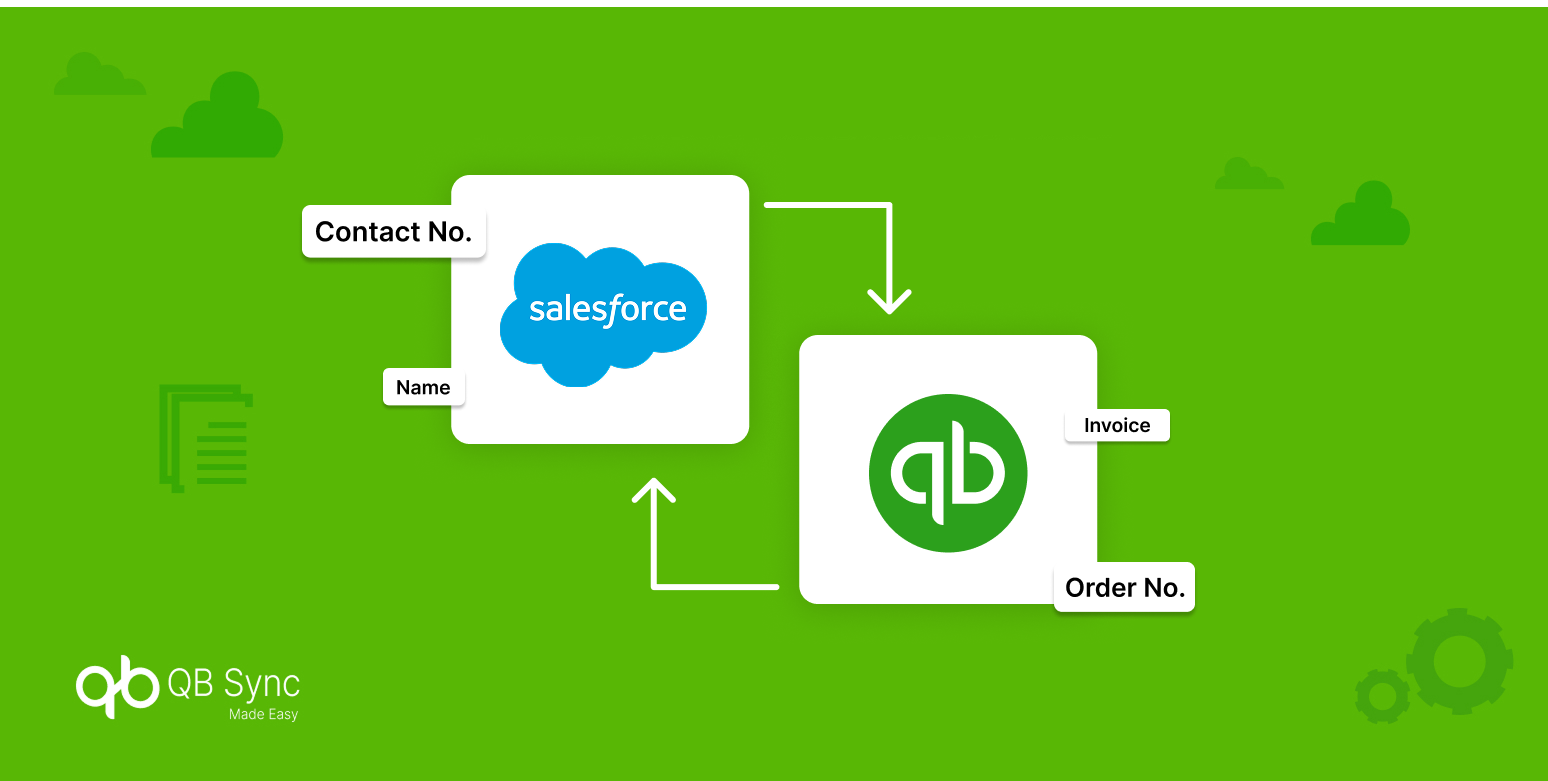
Any record update in either Salesforce or QuickBooks is reflected in the other system in real time. This two-way sync removes the need for duplicate data entry and ensures teams are always working with the latest information.
Error-Free Data Flow
Manual data entry is prone to human error; from typos to missed fields. Real-time sync automates this process, eliminating inconsistencies and keeping customer and financial data accurate across both platforms.
Improved Team Collaboration
Sales, accounting, and operations teams often rely on different systems but need to work together. Real-time sync ensures they all see the same data at the same time, leading to fewer communication gaps and faster workflows.
Multi-Store & Multi-Currency Support
For companies operating across multiple stores or regions, keeping data aligned is even more challenging. Real-time sync supports multi-currency and multi-location setups, allowing global businesses to operate without manual overhead.
Better Financial Visibility
Up-to-date data powers better decision-making. With real-time sync, Salesforce dashboards display live financial data from QuickBooks, enabling leadership to track revenue, outstanding payments, and forecasts accurately.
How QB Sync Made Easy Simplifies Real-Time Sync
Integrating Salesforce and QuickBooks traditionally required custom development or complex middleware. QB Sync Made Easy eliminates that complexity with a plug-and-play integration that’s built for performance and reliability.
Here’s how it works:
Pre-Built Field Mapping: You can quickly map Salesforce objects (Accounts, Contacts, Opportunities) to QuickBooks entities (Customers, Invoices, Payments).
Automated Triggers: Once set up, the sync happens automatically whenever records are created, updated, or deleted.
Smart Error Handling: If something goes wrong, you receive detailed error logs and instant alerts, making it easy to troubleshoot.
Custom Sync Rules: You can control which records or fields should sync in real time — giving you full flexibility.
Multi-Org & Multi-Currency Support: Perfect for companies managing multiple Salesforce orgs or operating internationally.
AI-Driven Automation & Anomaly Detection
Uses AI-powered automation to monitor real-time sync activity, detect unusual patterns such as duplicate records or unexpected data changes, and automatically flag or prevent issues before they impact financial accuracy, reducing manual oversight and sync failures.
You can see a detailed walkthrough of how Evans National transformed their operations with QB Sync Made Easy, showcasing the power of real-time Salesforce- QuickBooks integration.
Real-World Impact: How Evans National Streamlined Operations with QB Sync Made Easy
Evans National, a growing multi-location retail business, faced constant frustration managing sales and finance data separately. Salesforce handled customer and sales activities, while QuickBooks managed invoicing and payments, but without real-time synchronization, teams were stuck with repeated data entry, frequent invoice errors, delayed multi-currency reporting, and slow customer follow-ups.
By implementing QB Sync Made Easy, Evans National finally connected Salesforce and QuickBooks in real time. Customer records, invoices, and payments now update instantly across both systems. No more manual imports, no more batch delays, every team works from a single, accurate source of truth, and data discrepancies became a thing of the past.
The results were transformative: a 70% reduction in invoice processing time, accurate multi-currency sync across regions, real-time dashboards inside Salesforce, and seamless collaboration between sales and finance teams.
With QB Sync Made Easy, Evans National turned fragmented workflows into a fully connected, efficient, and real-time operation showing exactly how our solution can streamline Salesforce-QuickBooks integration for growing businesses.
Easy Steps to Enable Real-Time Salesforce-QuickBooks integration using QB Sync Made Easy
Here’s how you can get started with real-time Salesforce-QuickBooks integration using QB Sync Made Easy:
Step 1: Install QB Sync Made Easy from the Salesforce AppExchange.
Step 2: Connect Salesforce to QuickBooks Online securely using OAuth.
Step 3: Configure field mappings between Salesforce objects and QuickBooks entities.
Step 4: Enable the Real-Time Sync toggle in the settings panel.
Step 5: Test the setup by creating or updating a sample record.
Step 6: Review sync logs to ensure data is flowing correctly.
Once these steps are complete, your Salesforce and QuickBooks data will remain automatically and instantly synced going forward.
Conclusion
In 2026, real-time data sync between Salesforce and QuickBooks is more than just a convenience; it’s a strategic necessity. Businesses that embrace instant synchronization gain a competitive edge through faster processes, more accurate data, and improved cross-team collaboration. With QB Sync Made Easy, you can achieve real-time integration without coding, reduce operational overhead, and keep your business running smoothly.
Ready to streamline your Salesforce-QuickBooks workflows? Get QB Sync Made Easy and book a free demo.