As businesses increasingly rely on Salesforce for CRM and QuickBooks for accounting, the demand for a reliable QuickBooks Salesforce integration has grown rapidly. While Breadwinner is a well-known option in this space, many teams begin exploring a Breadwinner alternative as their integration needs evolve.
Why? Because modern finance and revenue operations require more flexibility, better data control, transparent pricing, and support for complex use cases like legacy data sync, multi-currency handling, and scalable automation.
In this guide, we’ll explore the top Breadwinner alternatives for QuickBooks-Salesforce integration, analyze what competitors typically miss, and help you choose the right integration app based on real business requirements; not marketing promises.
Why Businesses Look for Breadwinner Alternatives
Breadwinner is often one of the first tools teams encounter when searching for QuickBooks Salesforce integration apps. However, as organizations scale, limitations in configuration, cost structure, or flexibility can prompt teams to evaluate other options.
This section sets the foundation for understanding why alternatives matter before diving into specific tools.
Common Reasons Teams Switch from Breadwinner
Limited flexibility for custom workflows
Many Salesforce orgs have unique sales, invoicing, or approval processes. When an integration enforces rigid sync logic, teams struggle to adapt it to real-world operations.
Pricing scalability concerns
As data volume, users, or synced objects increase, costs can grow quickly. This pushes finance teams to search for a more predictable alternative for QuickBooks Salesforce integration.
Challenges with legacy or historical data sync
Not all tools handle historical data migration or backdated transactions well, which becomes a major blocker during system transitions or audits.
What to Look for in a Breadwinner Alternative
Before comparing tools, it’s important to define what actually makes a strong Breadwinner alternative. The best QuickBooks integrations don’t just move data, they support long-term operational accuracy.
This section helps frame your evaluation criteria so the comparison that follows is meaningful.
Key Features That Matter Most
Bi-directional QuickBooks Salesforce integration
Data should flow both ways: customers, invoices, payments, and updates without manual reconciliation or data loss.
Configurable field and object mapping
A strong integration adapts to your Salesforce data model instead of forcing you to change it.
Error handling and sync visibility
Clear logs, retry mechanisms, and actionable error messages are critical for trust and maintainability.
Top Breadwinner Alternatives for QuickBooks Salesforce Integration
Now that we understand the “why” and the “what”, let’s explore the leading Breadwinner alternatives businesses consider in 2026.
While Breadwinner is a popular choice, it is far from the only option available on the Salesforce AppExchange. Businesses evaluating QuickBooks Salesforce integration apps often compare multiple tools based on flexibility, pricing, data control, and scalability. Below are some of the most commonly considered Breadwinner alternatives, including both native integrations and middleware-based solutions.
Each option serves a slightly different use case depending on complexity, budget, and technical resources.
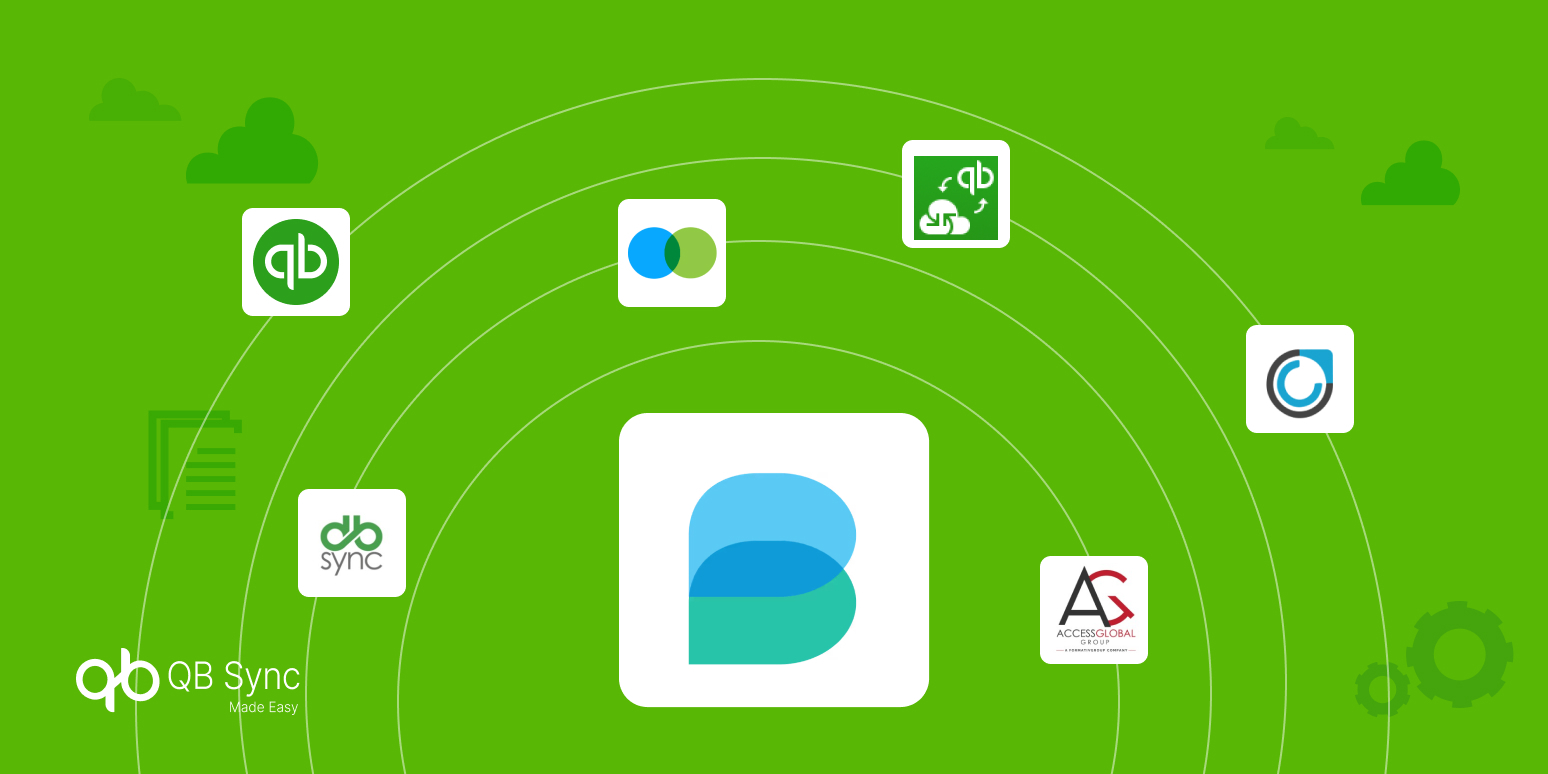
DBSync: A Common Breadwinner Alternative for Complex Integrations
DBSync is frequently compared with Breadwinner, particularly by enterprises that need broader middleware-style integrations beyond just Salesforce and QuickBooks. Its flexibility is powerful, but that power often comes with added complexity.
Where DBSync Fits and Where It Doesn’t
Strong for multi-system integrations
DBSync supports complex data orchestration across multiple platforms, making it suitable for organizations running large integration ecosystems.
Higher setup and maintenance effort
Initial configuration and ongoing maintenance typically require technical expertise, which can slow down deployment.
Better suited for IT-led environments
For teams without dedicated integration specialists, DBSync may feel heavy compared to simpler Breadwinner alternatives.
Access Global Group: A Custom-Focused Breadwinner Alternative
Access Global Group is often considered by businesses that need deep customization for syncing QuickBooks Desktop or Online with Salesforce. It offers flexibility but leans more toward tailored implementations.
Where Access Global Group Fits and Where It Doesn’t
Highly configurable integrations
Supports custom workflows and object mappings for businesses with unique data requirements.
Less plug-and-play
Setup may require consulting support or technical involvement, increasing time to value.
Best for customized use cases
Not ideal for teams seeking a quick, no-code alternative to Breadwinner.
HelloCODER: A Custom Mapping Breadwinner Alternative
HelloCODER is commonly evaluated by teams that want granular control over how Salesforce objects map to QuickBooks transactions. It focuses on customization rather than automation simplicity.
Where HelloCODER Fits and Where It Doesn’t
Flexible field-level mapping
Allows syncing of almost any Salesforce object to QuickBooks entities.
More configuration-heavy
Custom setups can require careful planning and testing to avoid sync issues.
Better for tailored workflows than speed
Ideal for businesses with unique processes, less ideal for fast deployments.
Webkul: A Lightweight Breadwinner Alternative
Webkul’s QuickBooks-Salesforce connector is often chosen by small to mid-sized businesses looking for a straightforward integration. It covers essential syncing needs without extensive customization.
Where Webkul Fits and Where It Doesn’t
Simple core sync functionality
Supports customers, invoices, products, and payments between Salesforce and QuickBooks.
Limited advanced automation
May lack deeper controls like real-time sync rules or historical data migration.
Best for basic use cases
Suitable for smaller teams, but may feel restrictive as data complexity grows.
Commercient: An ERP-Centric Breadwinner Alternative
Commercient is typically evaluated by organizations syncing ERP or accounting data into Salesforce, rather than focusing purely on QuickBooks. Its strength lies in ERP-heavy environments.
Where Commercient Fits and Where It Doesn’t
Strong for ERP-driven architectures
Designed to unify ERP, accounting, and CRM data inside Salesforce.
Heavier than needed for QuickBooks-only sync
May feel over-engineered for businesses that only need Salesforce-QuickBooks integration.
Best for complex back-office systems
Not ideal for teams seeking a focused Breadwinner alternative.
Zapier: A Lightweight but Limited Breadwinner Alternative
Zapier is often mentioned as a Breadwinner alternative for basic automation, especially by teams exploring low-cost options. However, it is not a true accounting integration.
Where Zapier Fits and Where It Doesn’t
Easy trigger-based automation
Works well for simple tasks like creating records based on events.
Not a real-time or bi-directional sync
Lacks deep field mapping, accounting logic, and error handling.
Best for task automation, not finance workflows
Unsuitable for businesses that need reliable QuickBooks–Salesforce data consistency.
QB Sync Made Easy: A Flexible, No-Code Breadwinner Alternative
QB Sync Made Easy has emerged as a strong Breadwinner alternative for businesses that want full control over their QuickBooks Salesforce integration without custom development.
It balances flexibility with simplicity by focusing on configurability, transparency, and ease of use.
Why QB Sync Made Easy Stands Out
No-code setup with advanced control
Teams can configure object mappings, sync direction, and rules without writing a single line of code, ideal for admins and operations teams.
Supports legacy and historical data sync
Unlike many tools, it allows syncing historical QuickBooks data into Salesforce, making it suitable for migrations and long-term reporting.
Real-time and manual sync options
You can choose automated real-time sync, scheduled sync, or manual sync buttons—giving flexibility across use cases.
Cost-effective and scalable
Pricing scales with business needs rather than punishing growth, making it a practical QuickBooks integration alternative.
Custom API Integrations: Why Many Teams Move Away
Some organizations attempt custom integrations using QuickBooks and Salesforce APIs. While this approach offers theoretical flexibility, it often becomes unsustainable.
The Hidden Cost of Custom Integrations
Ongoing maintenance burden
API changes, rate limits, and authentication updates require continuous development effort.
Higher long-term costs
What starts as a “one-time build” quickly turns into recurring engineering expense.
Lack of business-friendly controls
Non-technical users have little visibility or control, increasing dependency on developers.
This is why many teams eventually replace custom builds with purpose-built QuickBooks Salesforce integration apps.
How These Alternatives Compare to Breadwinner
When comparing Breadwinner alternatives, the real difference isn’t just features; it’s operational impact. Breadwinner works well for standard invoicing flows, but businesses with evolving requirements often need:
- More control over sync logic
- Better handling of edge cases
- Clearer cost scalability
Tools like QB Sync Made Easy address these gaps by focusing on admin usability and real-world accounting workflows.
How to Choose Right QuickBooks Salesforce Integration for Your Business
No single integration fits every business. The right choice depends on your data complexity, growth plans, and internal resources.
Quick Decision Framework
- Small to mid-size teams – No-code, configurable tools like QB Sync Made Easy
- Highly complex, multi-system environments – Middleware like DBSync
- Custom requirements with dev resources – API-based builds (with caution)
The goal isn’t just integration; it’s sustainable, accurate, and scalable operations.
Conclusion
As QuickBooks and Salesforce continue to power revenue and finance teams, choosing the right integration is a strategic decision, not a technical one. While Breadwinner remains a known option, today’s businesses increasingly explore Breadwinner alternatives that offer greater flexibility, transparency, and scalability.
By understanding your workflows and comparing tools beyond surface-level features, you can select a QuickBooks Salesforce integration that grows with your business instead of limiting it.