Salesforce and QuickBooks integrations often look simple on the surface. Data syncs, records appear, and dashboards update. But behind every stable integration is one critical layer that determines long-term success or failure: data mapping.
Salesforce QuickBooks data mapping defines how business-critical information moves between sales and accounting systems. When mapping is done correctly, teams gain accurate reporting, faster billing cycles, and fewer reconciliation issues. When it’s done poorly, errors compound quietly until trust in the system breaks down.
This guide explains Salesforce QuickBooks data mapping best practices in a structured, practical way, covering what to map, how to map it, and how to maintain mapping integrity as systems evolve.
What Is Salesforce QuickBooks Data Mapping and Why It Matters
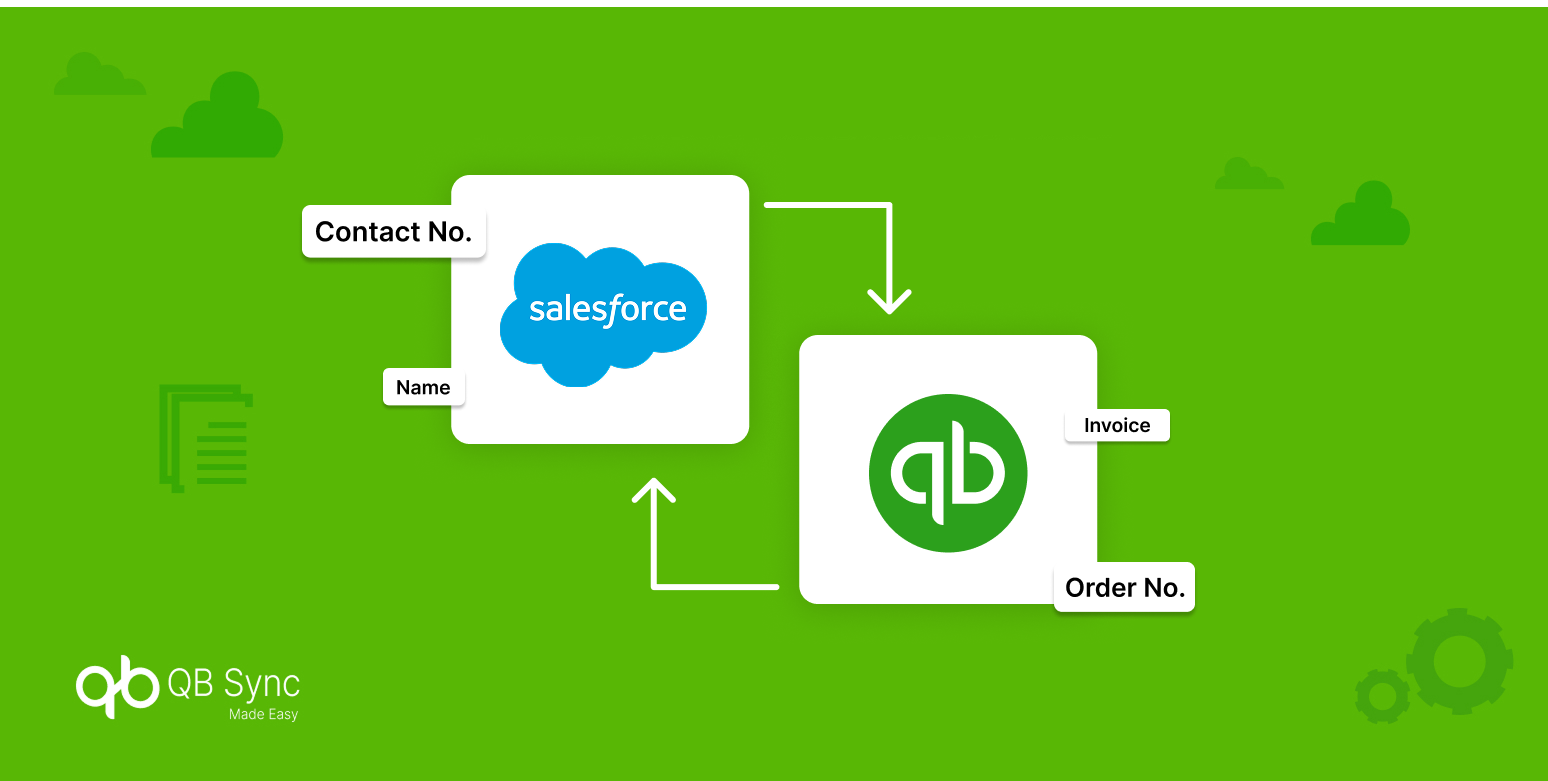
Salesforce QuickBooks data mapping is the process of aligning fields, objects, and data structures between Salesforce and QuickBooks so that information syncs accurately and predictably.
Salesforce focuses on customer relationships, pipelines, and operational workflows. QuickBooks focuses on financial accuracy, compliance, and accounting records. Because these platforms are built for different purposes, their data models do not naturally align.
Data mapping acts as the translation layer between them. It ensures that customer records, products, invoices, and payments retain meaning as they move across systems. Without proper mapping, synced data may exist, but it won’t be reliable or usable.
This is why data mapping is not a technical detail. It is a business-critical design decision.
How Salesforce and QuickBooks Data Models Differ
Before mapping data, it’s important to understand why Salesforce and QuickBooks behave differently.
Salesforce structures data around relationships and processes. Objects like Accounts, Contacts, Opportunities, and custom objects are designed to support flexible workflows and automation.
QuickBooks structures data around accounting logic. Customers, Vendors, Items, Invoices, and Payments follow strict financial rules that support reporting, taxation, and reconciliation.
Because of this difference:
- Salesforce Opportunities don’t automatically equal QuickBooks Invoices
- Salesforce Products may not align with QuickBooks Items
- Salesforce custom fields may not exist in QuickBooks at all
Recognizing these structural differences early prevents unrealistic expectations during integration and reduces long-term QuickBooks integration data mapping issues.
Core Objects to Map First Between Salesforce and QuickBooks
A successful integration starts by mapping the most critical objects first. These objects form the foundation for all downstream data.
Accounts and Customers
Salesforce Accounts typically map to QuickBooks Customers. This mapping controls how revenue, invoices, and payments are attributed.
Best practice is to define one system as the customer creation authority. Allowing both systems to create customers often leads to duplication and mismatched records.
Products and Price Books
Salesforce Products and Price Books must align with QuickBooks Items to ensure pricing accuracy.
This mapping directly affects invoicing, revenue reporting, and financial forecasts. Even small inconsistencies here can lead to billing errors.
Invoices and Payments
Invoices are usually created in QuickBooks and referenced in Salesforce for visibility.
Payments should almost always remain accounting-controlled data. Syncing payment updates back to Salesforce improves visibility without risking financial inconsistencies.
Mapping these core objects correctly establishes a reliable base for Salesforce QuickBooks integration data mapping.
Field Mapping Best Practices Salesforce to QuickBooks
Once object-level mapping is complete, field-level mapping determines how usable the data will be.
Prioritize Standard Fields
Standard fields are more stable, better supported by APIs, and less likely to break during updates. Always map standard fields before introducing custom ones.
Match Data Types Precisely
Currency fields, text fields, dates, and percentages must match exactly on both sides. Even small mismatches can cause sync failures or partial updates.
Map Only What’s Necessary
Over-mapping increases complexity and error risk. Focus on fields that directly impact reporting, billing, or operational decisions.
These practices form the foundation of reliable Salesforce to QuickBooks field mapping.
Managing Custom Fields Without Breaking Sync Stability
Custom fields introduce flexibility, but they also introduce risk. Salesforce allows unlimited customization, while QuickBooks has strict limits on supported field types and structures. Mapping unsupported or poorly formatted custom fields often leads to silent failures.
Best practices include validating QuickBooks field compatibility, using transformation rules when formats differ, and testing thoroughly in sandbox environments before deployment.
A disciplined approach to custom fields ensures QuickBooks Salesforce field sync remains stable as systems evolve.
One-Way vs Bi-Directional Mapping Decisions
Not all data should flow in both directions.
One-way mapping is ideal for financial records such as invoices, payments, and adjustments. These records should be controlled by accounting rules, not overwritten by CRM updates.
Bi-directional mapping works best for shared reference data such as customer contact details or product descriptions, provided strict rules are in place.
Choosing the right sync direction reduces conflicts and supports scalable QuickBooks Salesforce mapping best practices.
Common Salesforce QuickBooks Data Mapping Mistakes
Most integration issues stem from avoidable design mistakes. Common errors include assuming both systems work the same way, syncing every available field, ignoring currency and tax logic, and allowing uncontrolled customer creation.
Another frequent issue is syncing large volumes of historical data without validation, which can corrupt reports and financial records.
Avoiding these pitfalls significantly improves QuickBooks integration data mapping reliability.
Best Practices for Mapping Historical Data
Historical data sync requires careful planning.
Older records may follow outdated structures, pricing rules, or customer formats. Syncing them blindly can introduce inconsistencies.
Best practices include syncing in batches, excluding fully reconciled transactions, and validating totals after each batch.
This approach protects accounting integrity while supporting accurate QuickBooks Salesforce data sync mapping.
Monitoring and Governing Data Mapping Over Time
Data mapping is not a one-time setup.
As Salesforce orgs evolve, new fields are added, workflows change, and reporting needs expand. Without ongoing governance, even well-designed mappings degrade over time.
Regular audits, sync log monitoring, and documented mapping rules ensure Salesforce QuickBooks mapping guidelines remain effective long-term.
Simplifying Data Mapping with No-Code Integration Tools
Modern no-code integration tools reduce the technical complexity traditionally associated with Salesforce QuickBooks data mapping.
They allow visual field mapping, controlled sync rules, and real-time error monitoring without custom development. This makes mapping easier to maintain and less prone to breaking during system updates.
No-code approaches also empower business teams to adjust mappings without relying entirely on developers.
Salesforce and QuickBooks integrations fail not because of APIs, but because of poor data design decisions.
Accurate data mapping ensures clean reporting, faster reconciliation, and better collaboration between sales and finance teams. It transforms integrations from fragile connections into reliable operational systems.
When data mapping is done right, Salesforce and QuickBooks work together instead of competing for data ownership.
Conclusion
Salesforce QuickBooks data mapping is the backbone of every successful CRM–accounting integration. When mapping is intentional, governed, and aligned with business logic, integrations become stable, scalable, and trusted.
Solutions like QB Sync Made Easy simplify this process by offering controlled field mapping, historical data sync, and monitoring capabilities without complex development. This allows teams to focus on using their data effectively rather than fixing sync issues.
In connected finance systems, strong data mapping isn’t optional. It’s what turns integration into real operational value.